A Clock Screensaver for Your Mac.
24 of Cadran’s 25 clock faces run as a native macOS screen saver. Keep the clock that is on your desktop, or give the screen saver a look of its own.
Your Download Has Started
Open Cadran.dmg, drag Cadran into Applications, then open it. It lives in your menu bar.
Installation guideFree · macOS 14 or later · No account

Back at two
- Documents
- Photos
- Downloads
~ % brew install --cask cadran
==> Installing Cask cadran
cadran was successfully installed!
~ % 
Step Away. The Clock Stays.
Cadran draws its clock on your wallpaper while you work. When your Mac goes idle, the screen saver can show that same clock.

- The same clock as your desktopWith Same as Desktop on, the screen saver shows the clock that is on your desktop.
- A look of its ownTurn Same as Desktop off to give the screen saver its own face, background, message, font and color.
- Your messageA short line of text can sit below the clock.
- A gradient in motionFluid Gradient sets a gradient in motion, in the free version too.
- Several displaysFree puts the same face on all your displays. With Cadran Pro, each display can show its own.
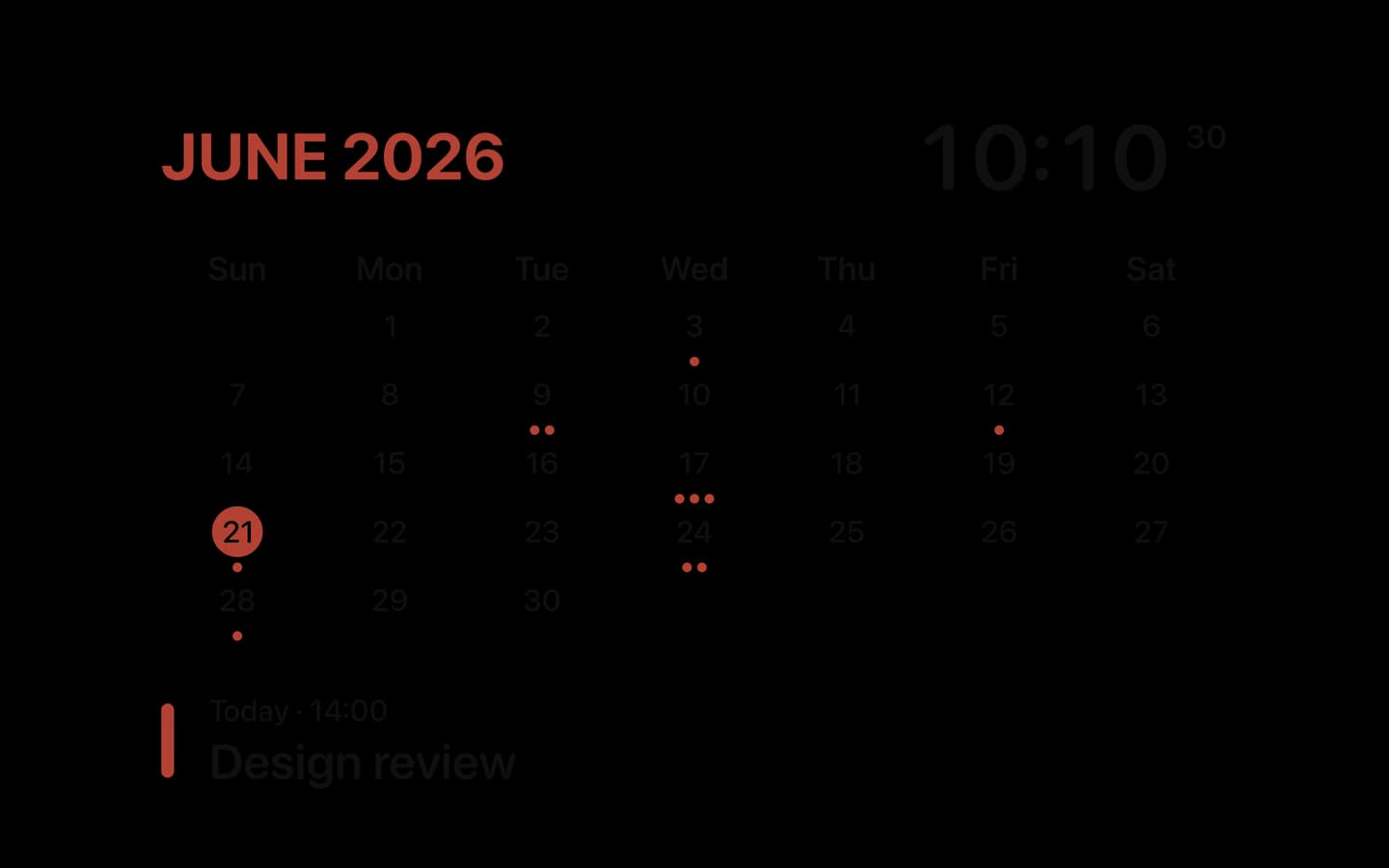
- Your events stay privateFolio shows your next event on the desktop and hides it on the screen saver.
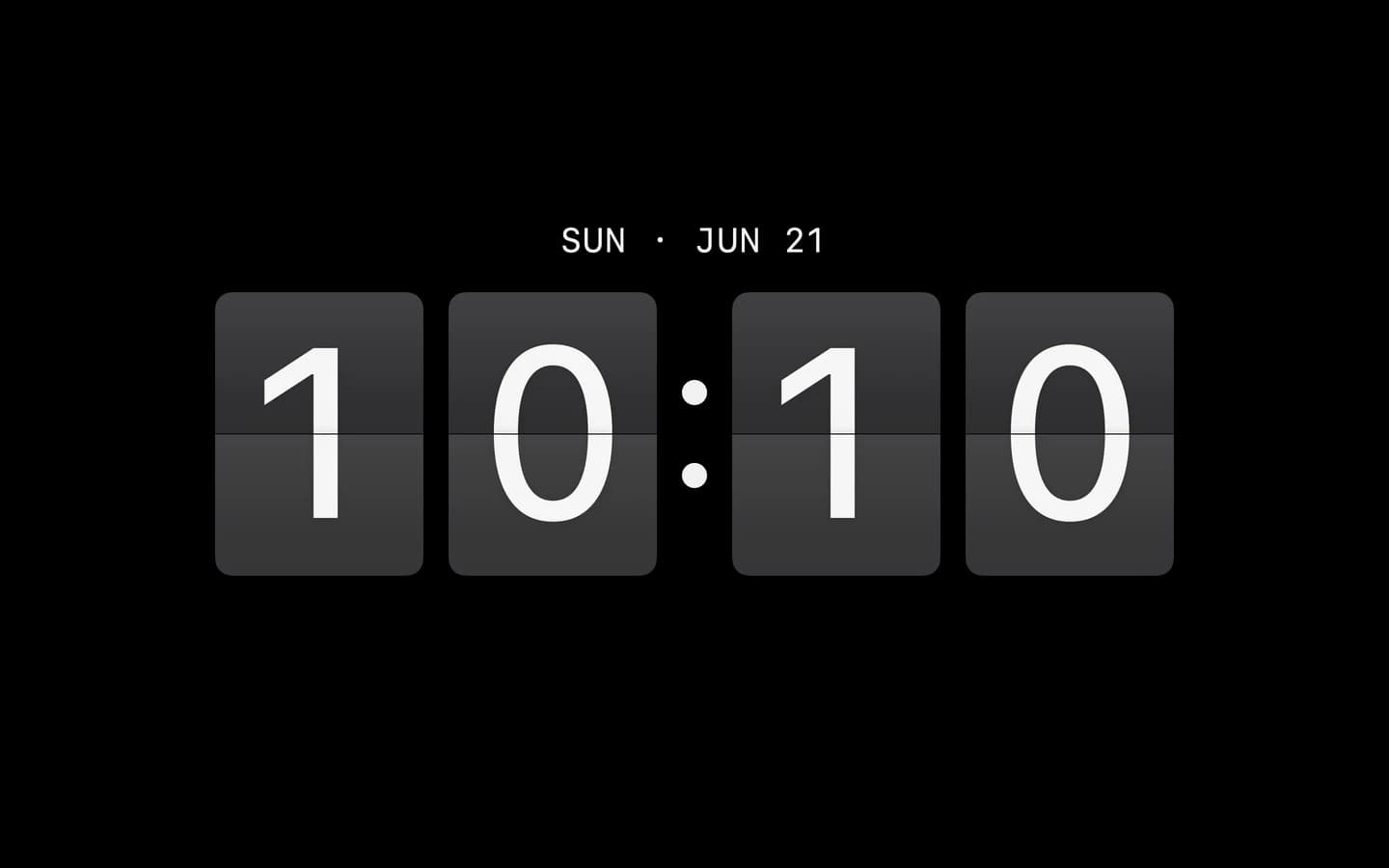
24 Faces. One Screen Saver.
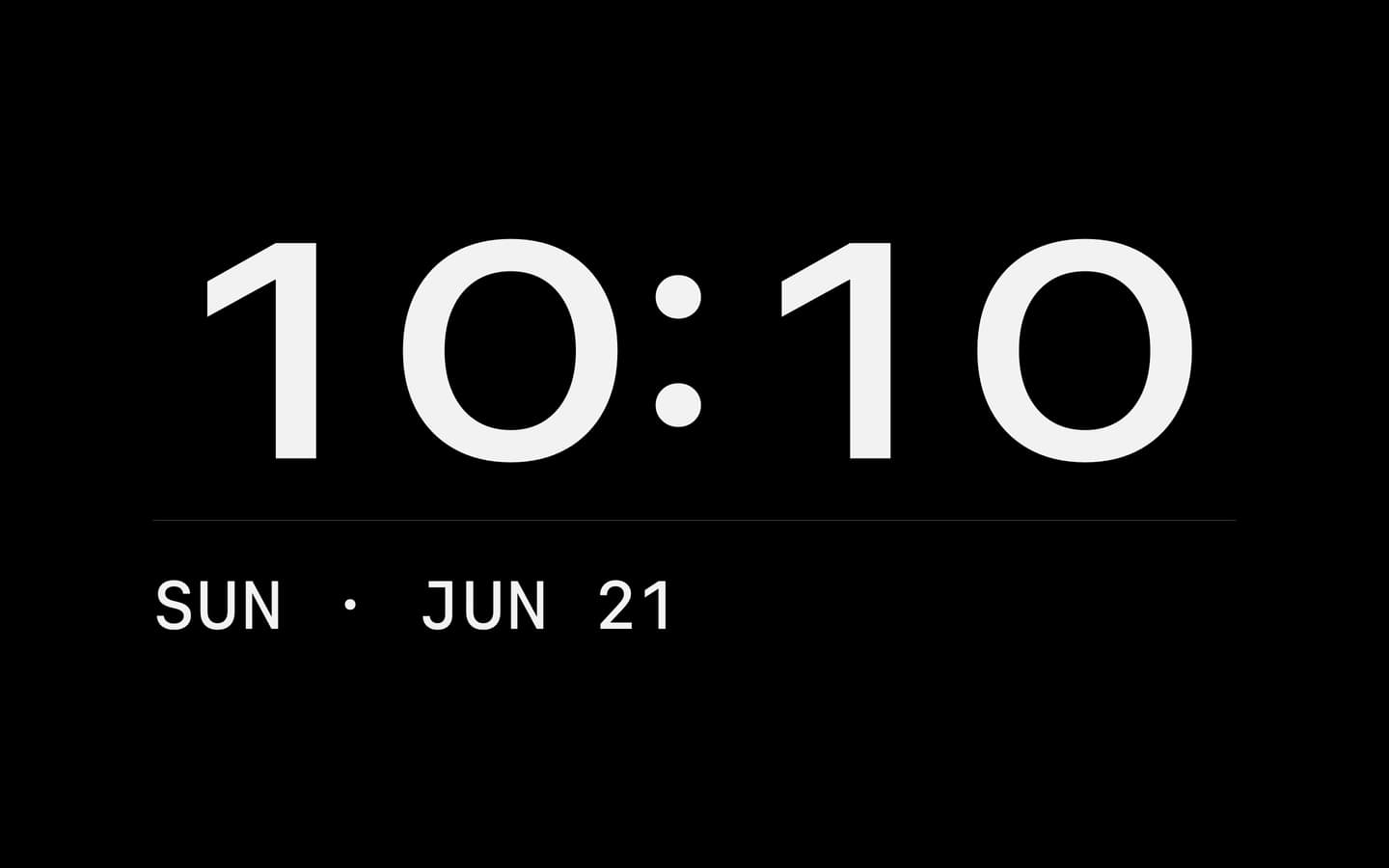
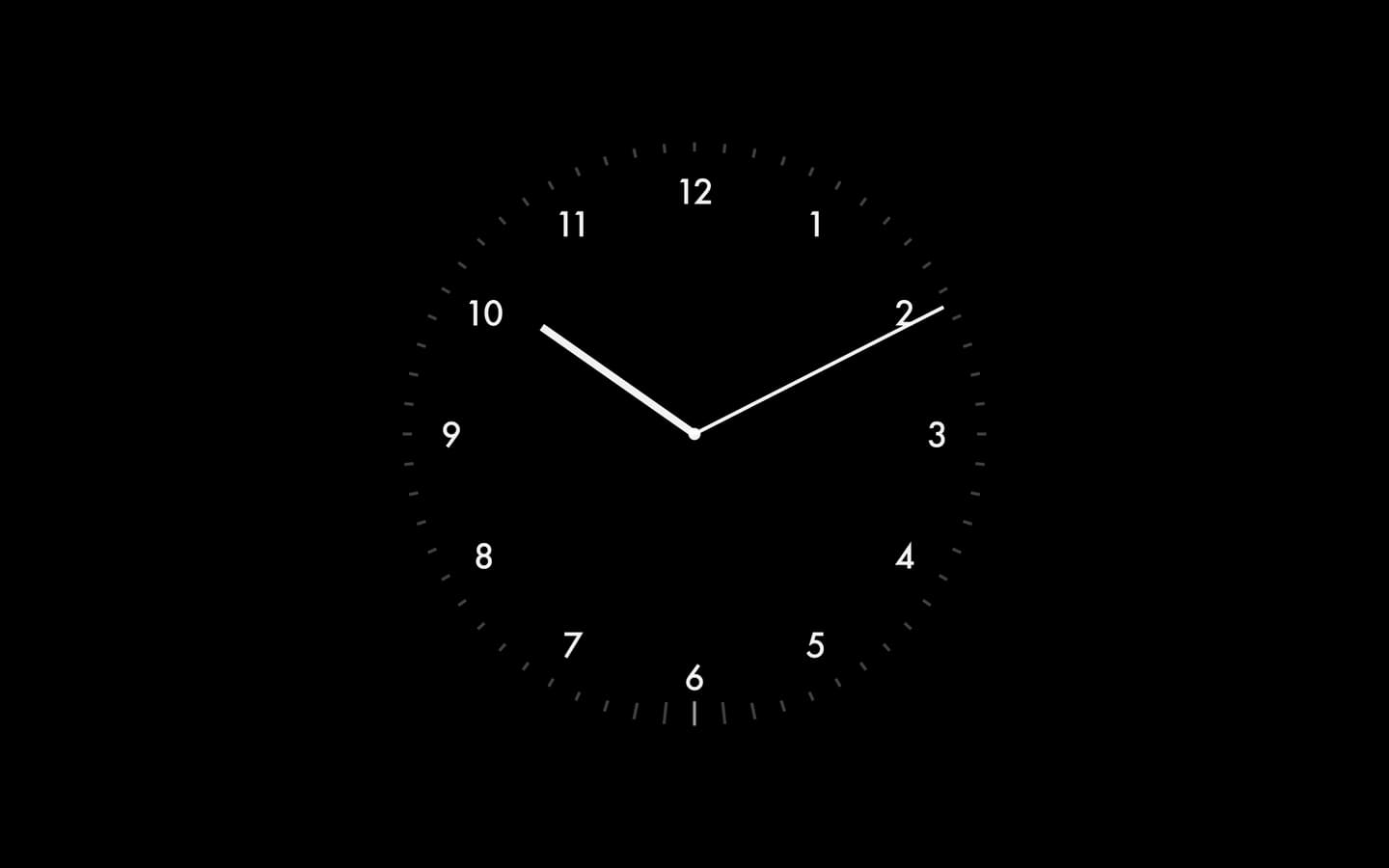
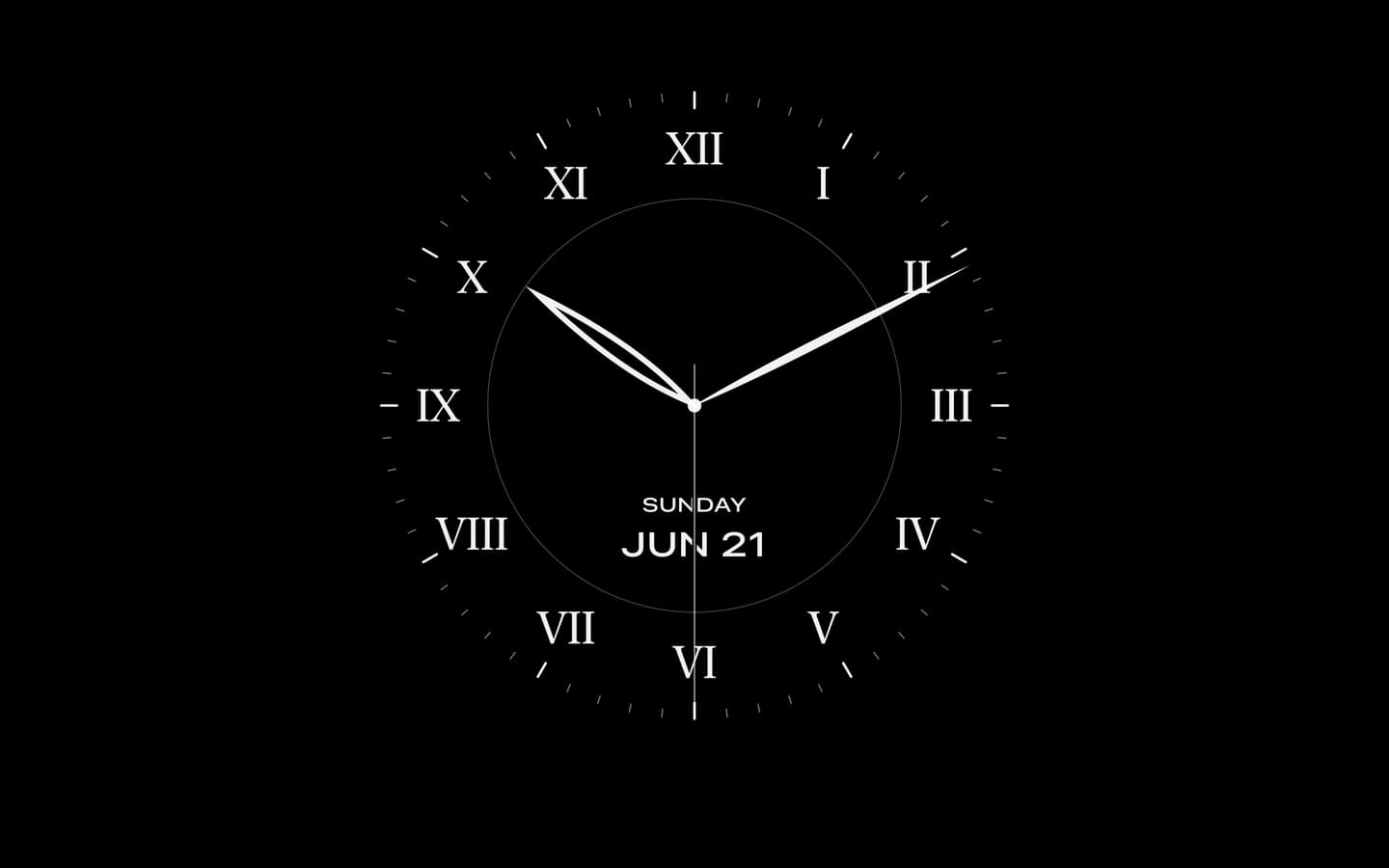
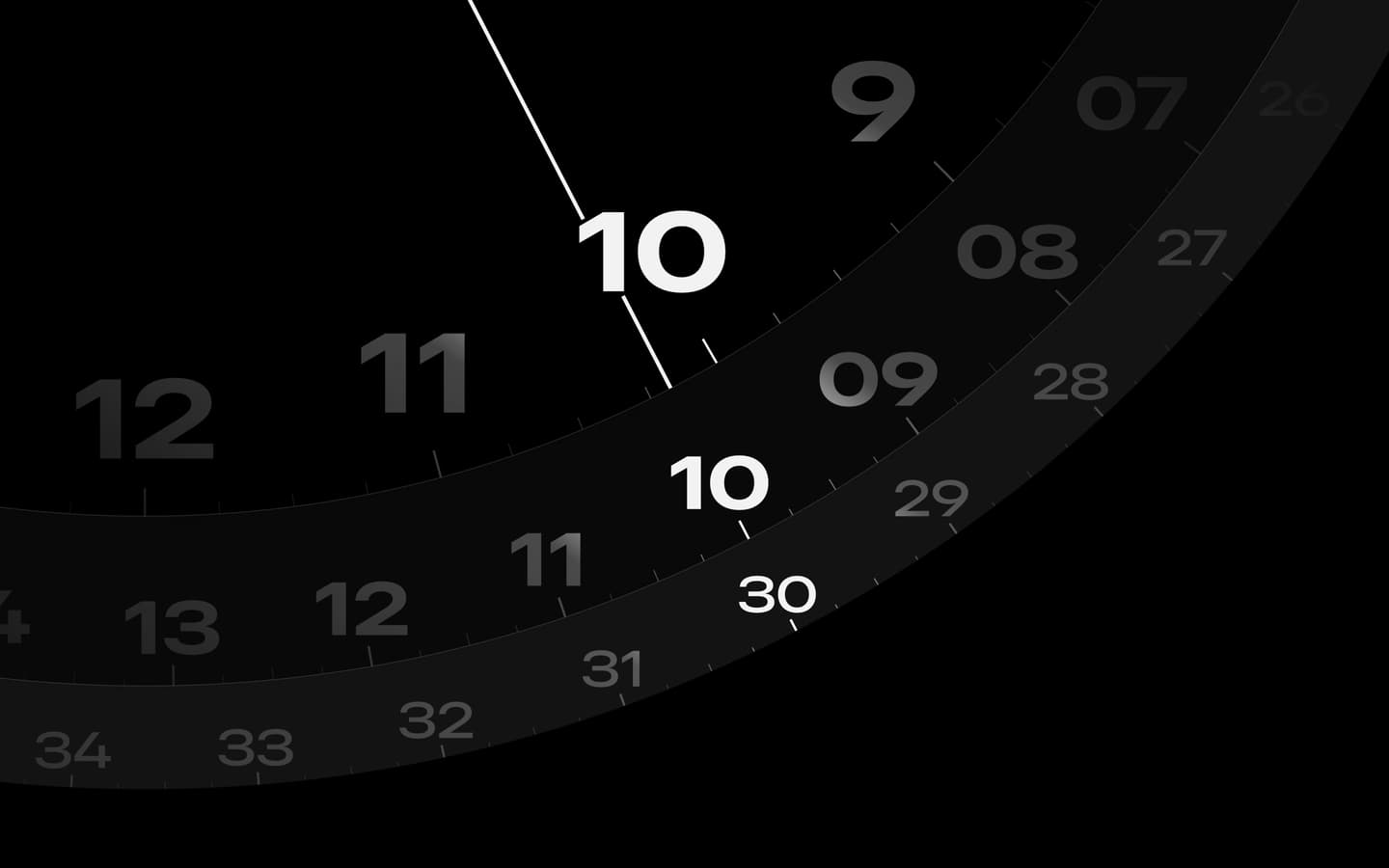
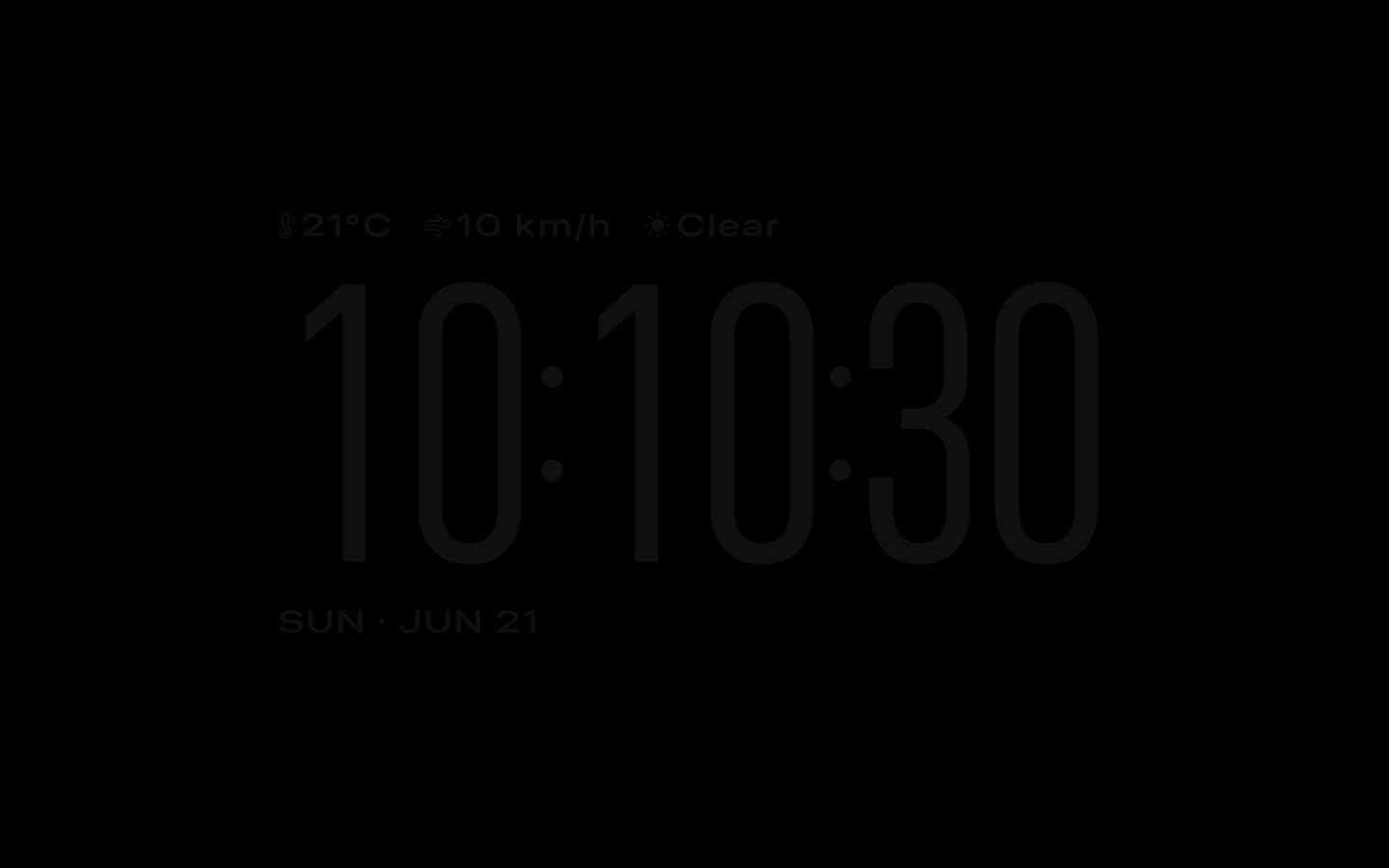
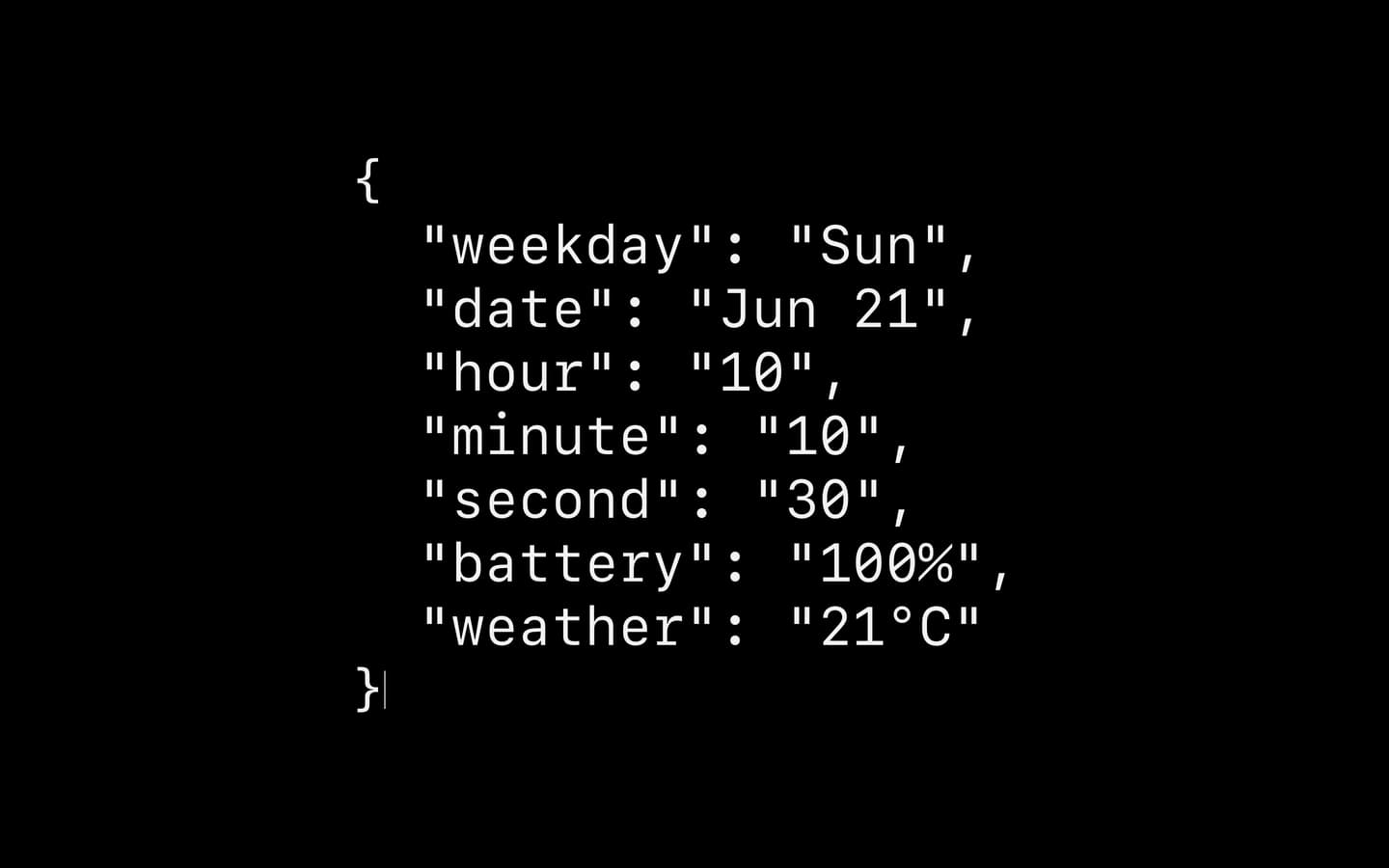
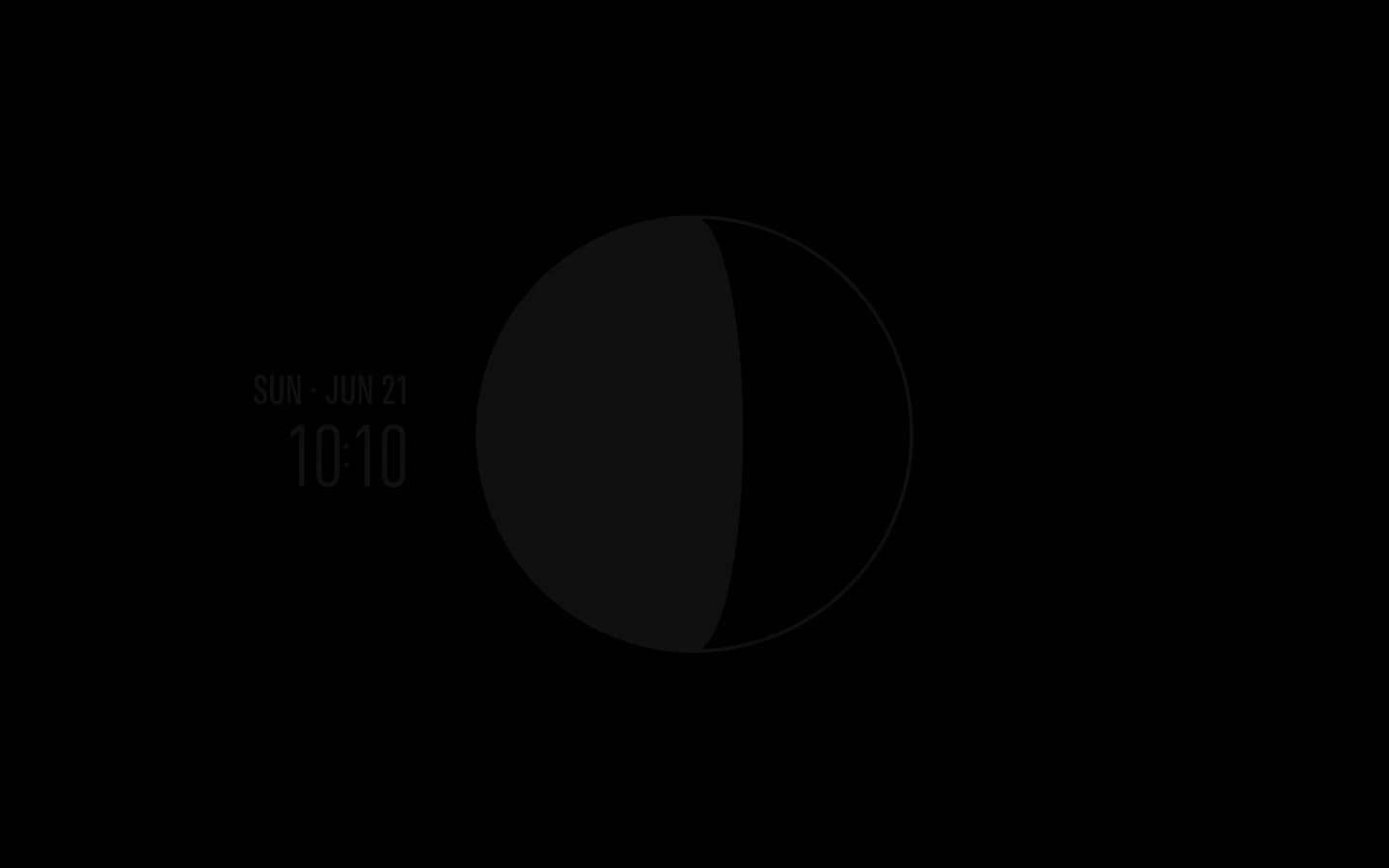
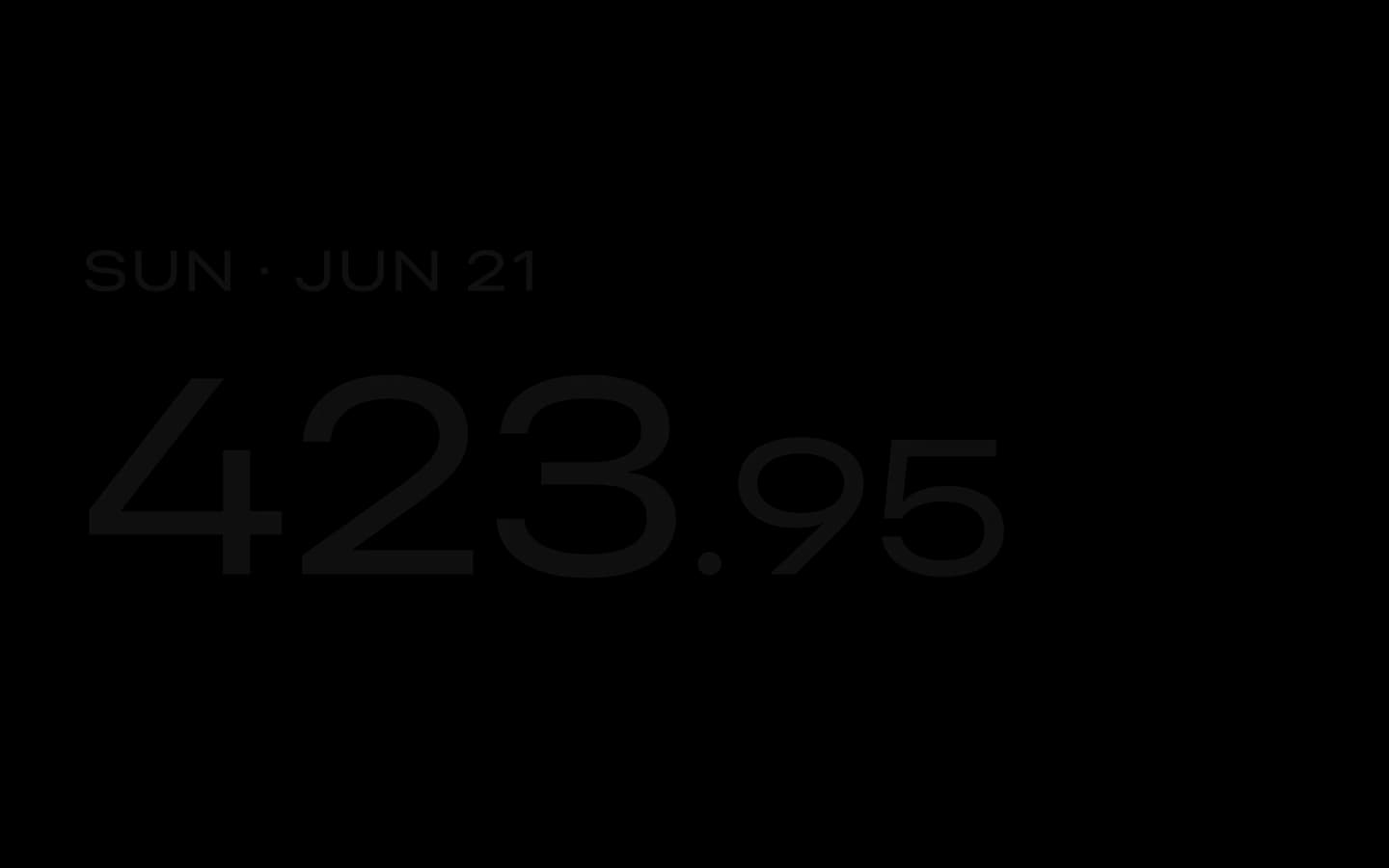
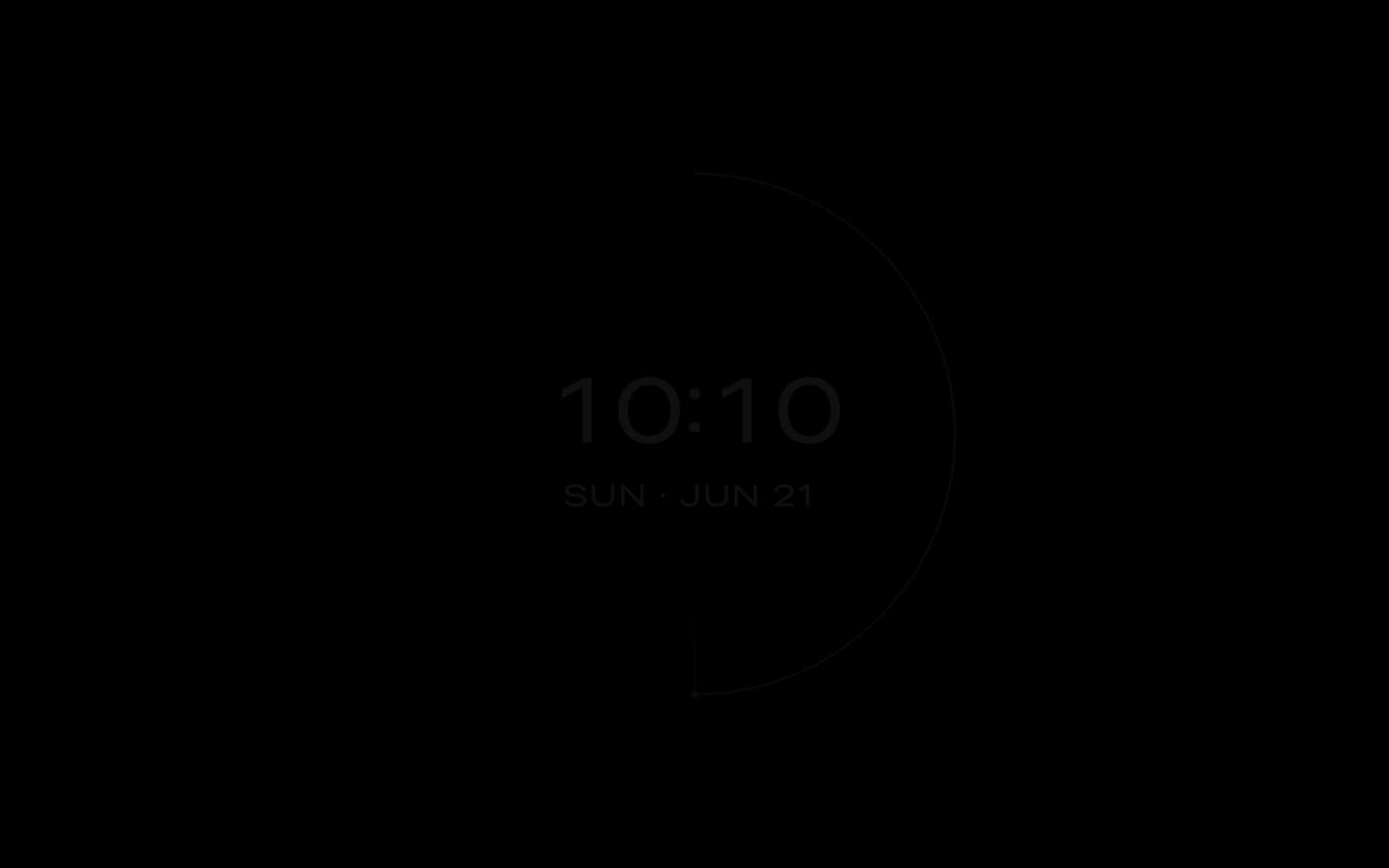
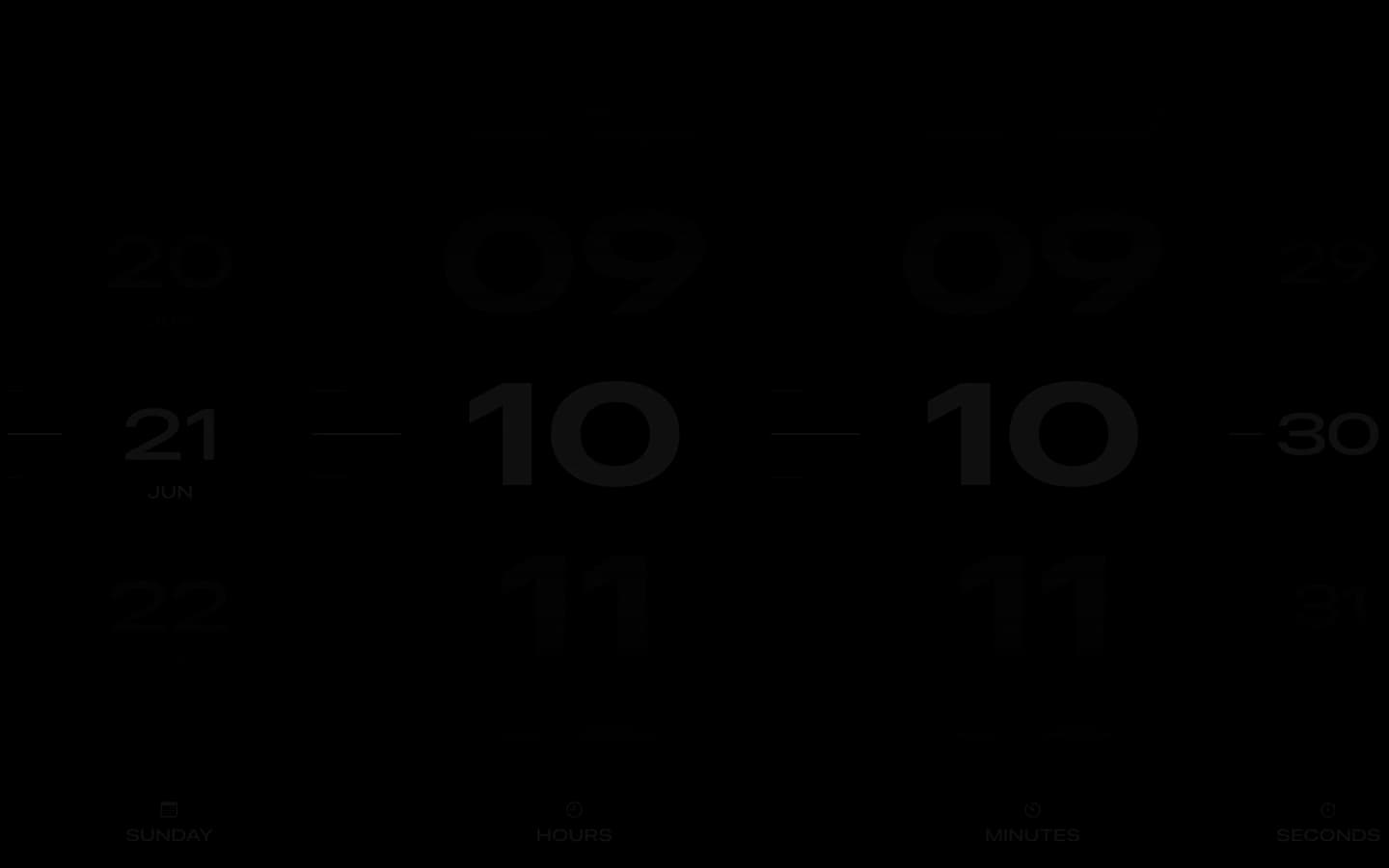
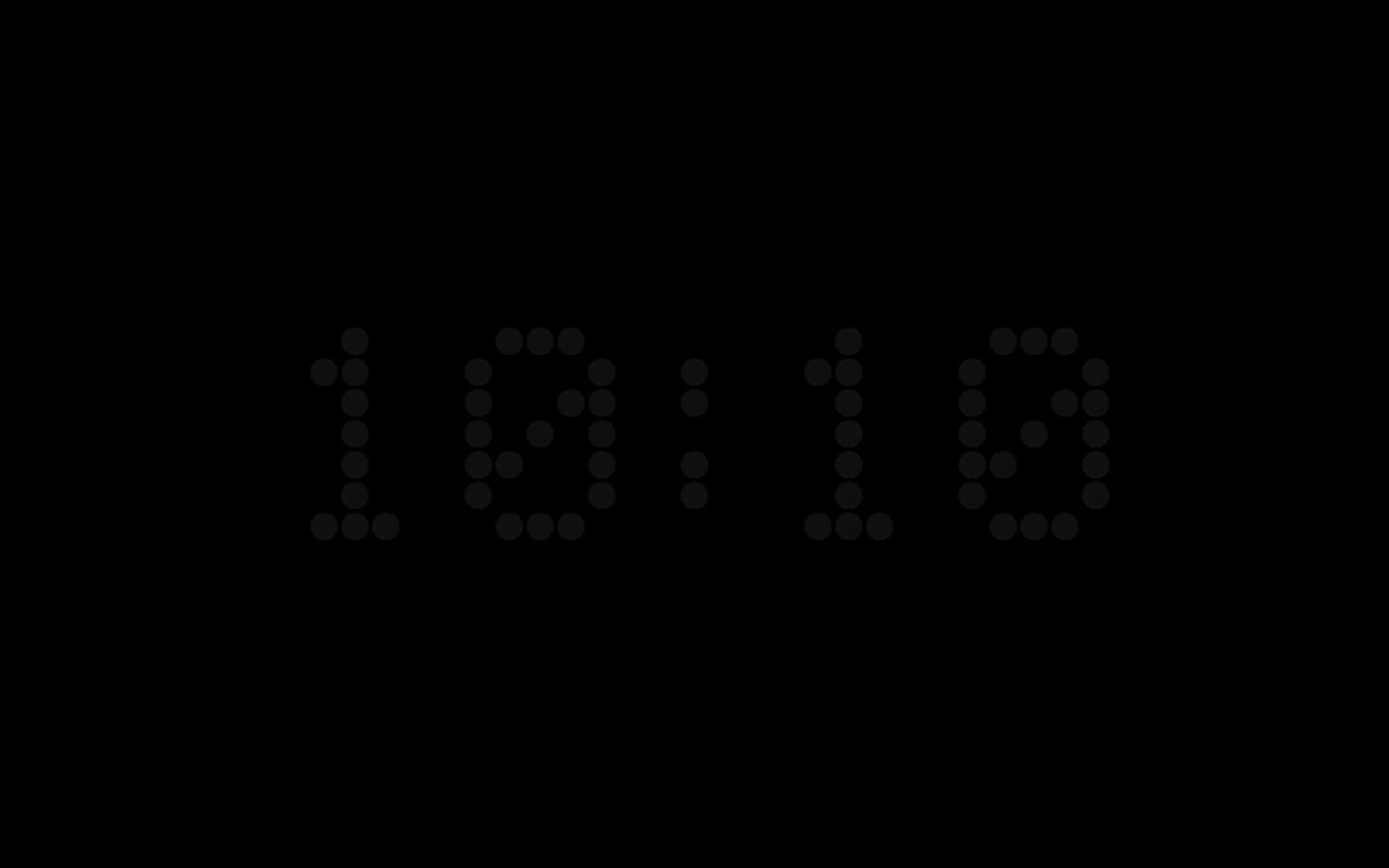
Every face except Quartz runs as a screen saver, from Departure’s flip clock to analog dials, pixel digits and a clock that spells the time in words.
Turn It On in Three Steps.
The screen saver comes with Cadran. Install it once, then choose it in System Settings.
- 1Install CadranDownload Cadran, drag it into Applications and open it. It lives in your menu bar.
- 2Install the screen saverOpen Cadran’s Screen Saver page, or follow the guided tour, and click Install. The page’s status menu can reinstall or remove it later.
- 3Choose Cadran in System SettingsOpen System Settings › Screen Saver and choose Cadran. On macOS Tahoe and later, the screen saver is in Wallpaper settings.

The screen saver only appears if it starts before the display turns off. The Lock Screen guide shows where both delays are set.
Before You Turn It On.
Is the Cadran screen saver free?
Yes. The screen saver is part of the free version, with no time limit. 6 faces are free, and Cadran Pro, a one-time purchase, unlocks all 25. Reference price: $9.99 before tax.
Which versions of macOS does it run on?
macOS 14 Sonoma or later, on Apple Silicon and Intel Macs. On macOS Tahoe and later, you choose the screen saver in Wallpaper settings. On Sequoia and Sonoma, it has its own Screen Saver settings.
Does a clock screensaver drain a MacBook’s battery?
It runs only while your Mac is idle with its display on, so it uses the battery for as long as the display stays lit. macOS turns the display off after the delays set in Lock Screen settings, one on battery and one on power adapter, and the screen saver stops with it.
Why do I see two clocks on my screen saver?
macOS can show its own large clock over a screen saver. To keep only Cadran’s, set that clock to appear on the Lock Screen only: in Clock Appearance on macOS Tahoe and later, in Show large clock on Sequoia and Sonoma. The Lock Screen guide has every step.
More About Clock Screensavers.

Comparisons··5 min read
Best Mac Clock Screensavers in 2026
Clock screensavers worth trying on a Mac: the built-in clock, Fliqlo, Padbury Clock Revived, Word Clock, Aerial, and one that doubles as a desktop clock.

Comparisons··5 min read
Fliqlo for Mac and Its Alternatives in 2026
What Fliqlo does on a Mac, what changed with version 2, where it stops, and the clock screensavers and desktop clocks you can use instead.

Guides··3 min read
How to Show a Clock on the Mac Lock Screen and Screen Saver
macOS can keep a large clock on the Lock Screen and over the screen saver. Where to turn it on in Tahoe, Sequoia and Sonoma, and how to go further.
Try It on Your Mac.
6 faces are free to keep. Pro unlocks the rest, once.
Your Download Has Started
Open Cadran.dmg, drag Cadran into Applications, then open it. It lives in your menu bar.
Installation guide$ brew install --cask cadranmacOS 14 or later·No account·14-day refund on Pro