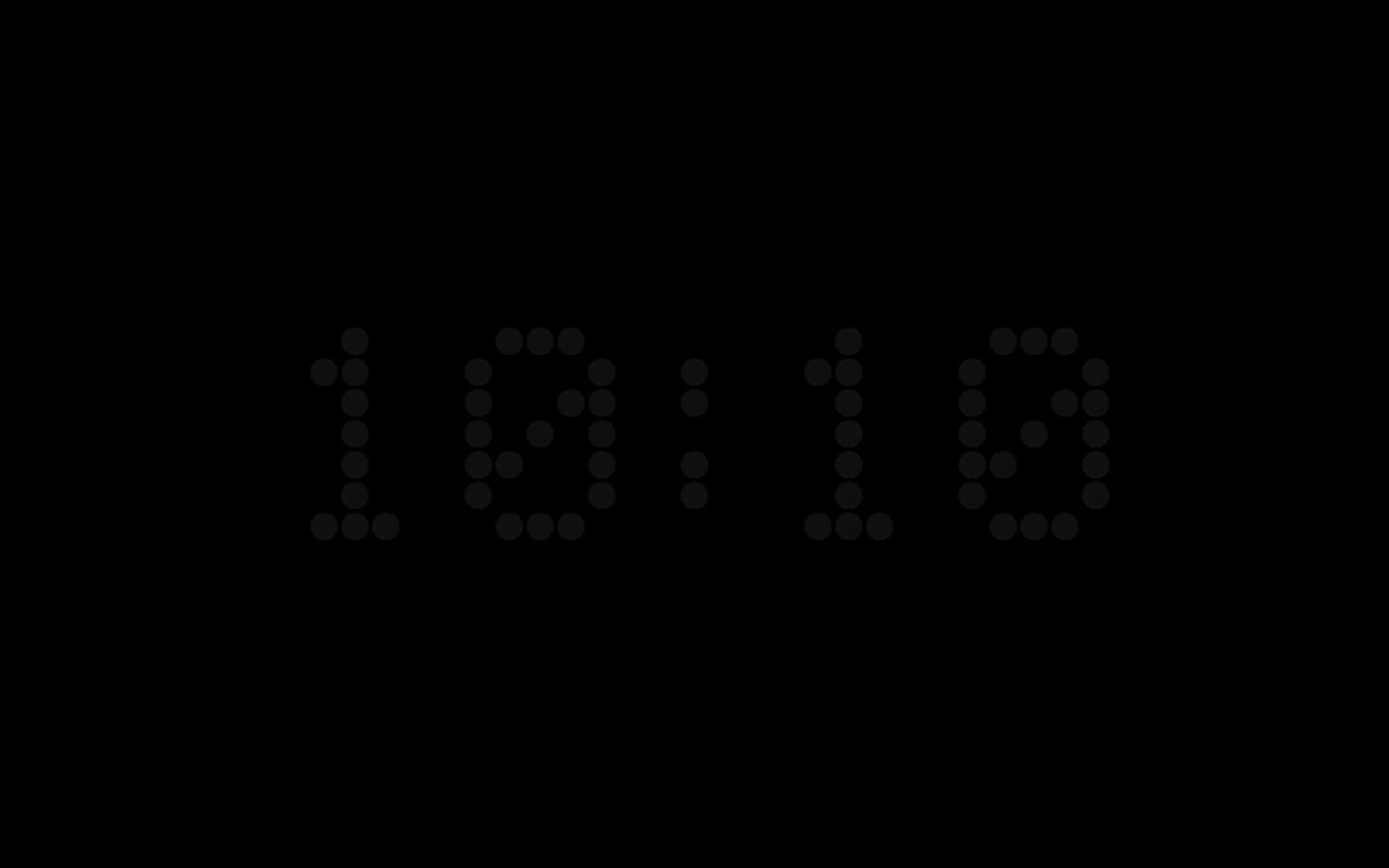
Screensavers feel like a throwback, but clock screensavers have quietly stayed popular on Mac. There's something satisfying about your idle screen showing the time instead of going dark. A good one should look sharp on a Retina display, start reliably, and not eat battery. Here are the ones worth knowing, starting with the clock your Mac already has. Details were checked on each developer's page on 20 November 2026.
The Clock Your Mac Already Has
Start with what is built in. Since macOS Sonoma, your Mac can show a large clock on the Lock Screen and keep it on screen while the screen saver runs, so any of Apple's screen savers becomes a clock screensaver. On macOS Tahoe and later, you can also choose the clock's font and weight.
It costs nothing and there is nothing to install. The limits are the ones you'd expect: no other layout and no color setting. Our Lock Screen guide shows where the setting is in each version of macOS.
Fliqlo · The One Everyone Knows
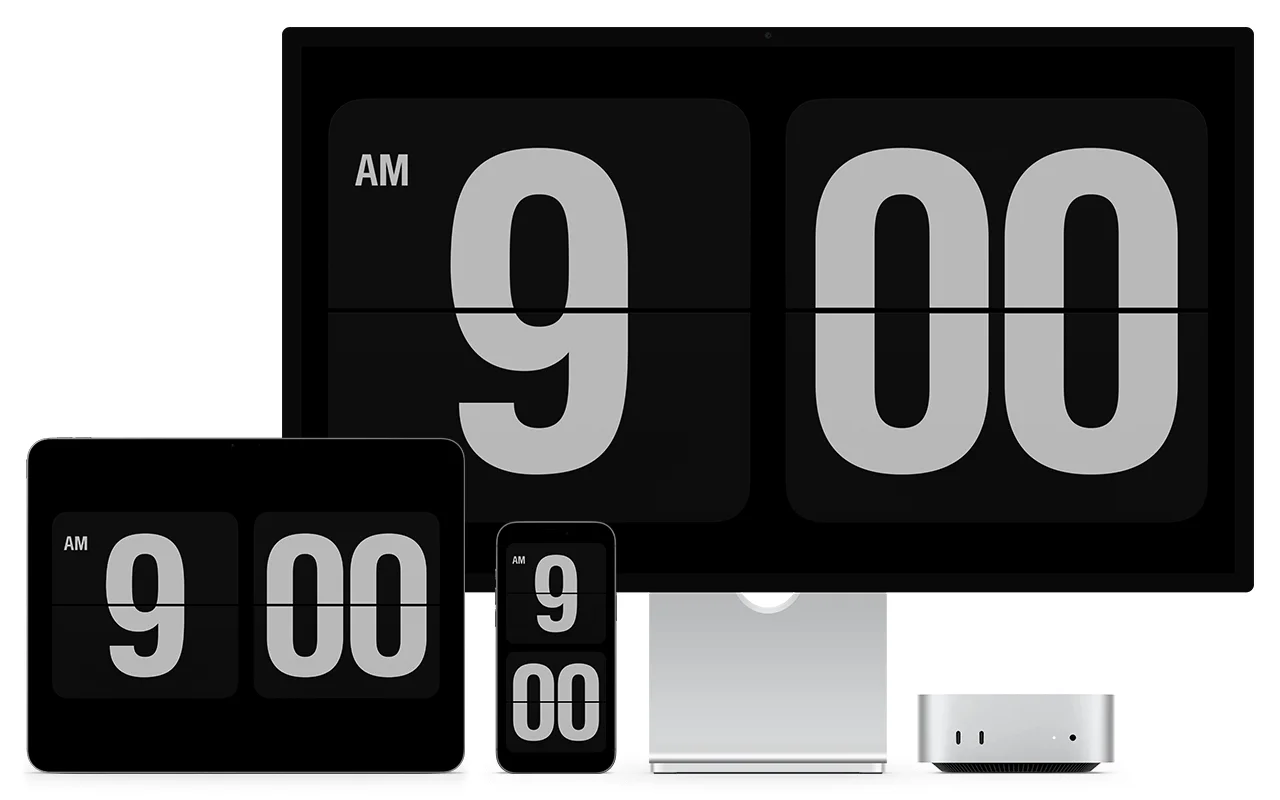
Fliqlo is probably the most recognizable screensaver on Mac, period. It mimics a split-flap clock, the kind you'd see in old train stations, with oversized white digits flipping on a black background. Its first version dates from 2002, and it still looks great. The appeal is the simplicity: few options, no account, no cost.
The flip animation is genuinely well done, with a subtle shadow and smooth motion that makes it feel physical. On a large monitor, the digits fill the screen and it looks like a proper clock you'd buy at a design store.
One thing changed in November 2026. Since version 2.0, Fliqlo for macOS is a standalone menu bar app instead of a .saver file, so it no longer appears in your Mac's Screen Saver settings. The app runs the screensaver itself, and you can start it with a hot corner or a keyboard shortcut. Version 1.9.5 remains available in the .saver format. The current version requires macOS 14 or later.
The trade-off is that Fliqlo does exactly one thing. There's one design, no color options, and it only runs as a screensaver. Once you move your mouse, it's gone. For a lot of people, that's perfectly fine.
Padbury Clock Revived · Pure Minimalism
Padbury Clock was created by Robert Padbury as the simplest possible clock screensaver: large, ultra-light digits and nothing else. It's the typographic counterpart to Fliqlo. Where Fliqlo leans into the retro split-flap aesthetic, Padbury goes for clean, modern type.
The original is no longer updated, and its website was offline when we checked. The one to install today is Padbury Clock Revived, an open-source remake that keeps most of the original's settings, including its night mode, and adds a choice of fonts and weights. Its page lists macOS 13 or later, and version 1.2.0, from April 2026, was updated for Apple silicon and macOS 26.
It's a great pick if Fliqlo feels too busy for you (yes, some people think a flip clock is too much). Like Fliqlo, it's screensaver-only, so there's no way to keep it visible while you work.
Cadran · Screensaver That Stays On Your Desktop
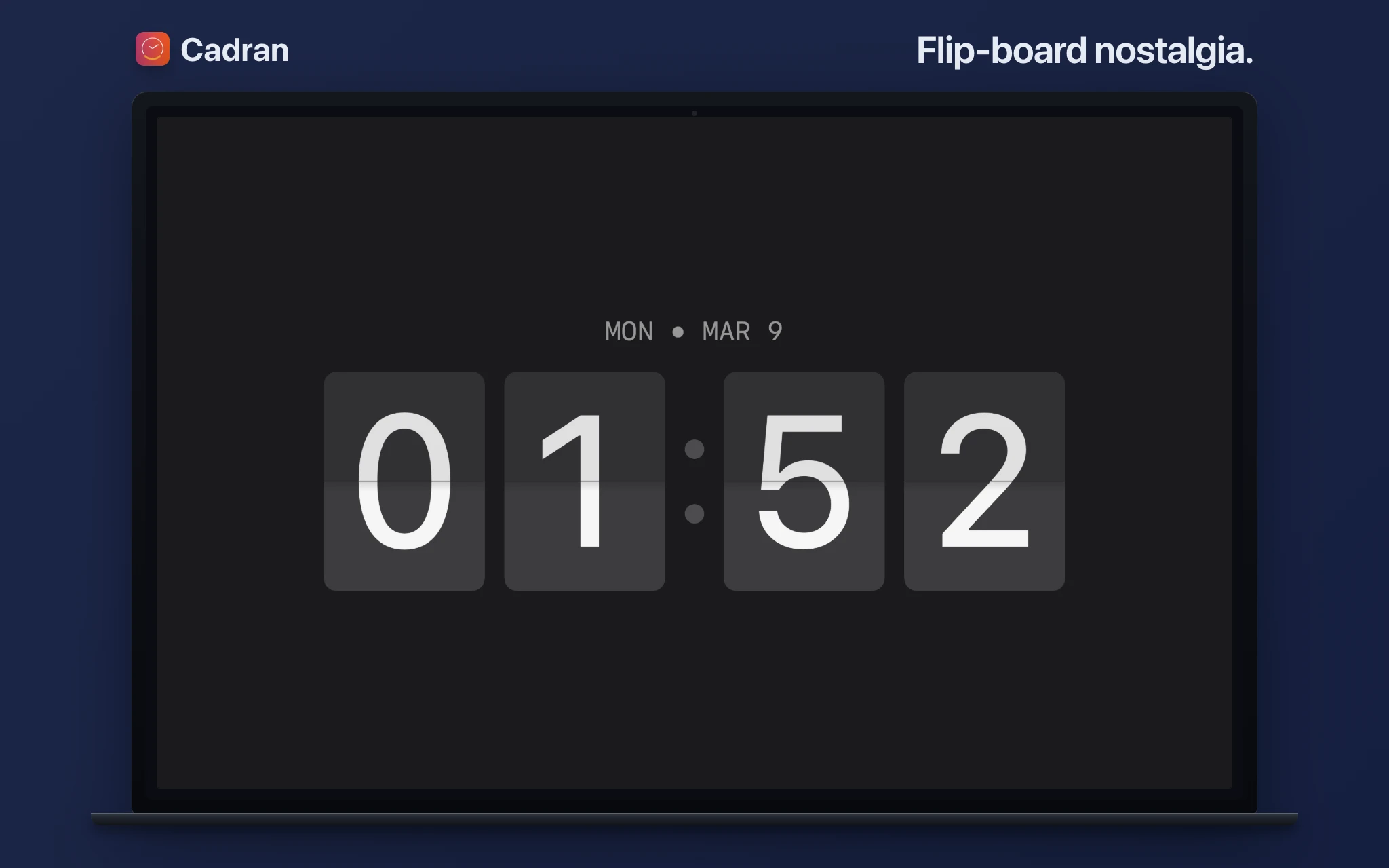
The limitation shared by Fliqlo and Padbury is that the clock vanishes the moment you touch your mouse. Cadran works differently: whatever clock face you pick as your screensaver also renders on your wallpaper layer while you work. So the transition between active use and idle is seamless: same clock, same style, always there.
24 of the 25 designs are available as screensavers, including on the free tier. If you've got multiple monitors, Cadran Pro lets each one run a different face. With Cadran, the screensaver isn't a separate experience from your desktop. It's the same thing.
Word Clock · The Time in Words
Word Clock, by Simon Heys, drops the digits entirely. The screen fills with words, and the ones that spell the current time are highlighted. It dates back to 2003, has been translated into more than 30 languages, and has been exhibited at the Science Museum in London. It is free and open source, and its Mac screensaver was last updated in December 2025.
DesignMyClock and Clock.saver · Analog Dials
If you'd rather watch hands than digits, there are two routes. DesignMyClock, on the Mac App Store, lets you compose an analog or digital face, with its hands, markers, rings and colors, and installs it as your screensaver. It is a free download with in-app purchases and no subscription, and it requires macOS 15 or later.
Clock.saver, by Sam Soffes, is the older open-source classic: an analog clock inspired by Braun watches, in several models and colors. Its latest release dates from June 2023, so check that it runs on your version of macOS.
Aerial · A Clock Over Apple's Aerial Videos
Aerial is not a clock first. It plays Apple's aerial videos, from cities and deserts to the view from the International Space Station, as a screensaver or a live wallpaper. But its overlay editor lets you place a clock, the weather and other details on top, which makes it a clock screensaver with a view. Aerial is free and open source. Its current version requires macOS 26 Tahoe or later, and an earlier one still runs on macOS 15 Sequoia.
Quick Comparison
The built-in clock is the place to start: nothing to install, and it works over any screen saver. Fliqlo is the safe choice if you love the split-flap look and only care about idle time. Padbury Clock Revived is for the minimalists who find even Fliqlo too ornate, and Word Clock for those who would rather read the time. DesignMyClock and Clock.saver cover analog dials, and Aerial puts a clock over Apple's aerial videos. Cadran is the pick if you want your clock visible all the time, not just when idle, or if you want to choose from different styles.
All of them are free to try. Fliqlo, Padbury Clock Revived, Word Clock, Clock.saver and Aerial are free outright. DesignMyClock is a free download with in-app purchases. Cadran has 6 free faces with the full 25 available for a one-time $9.99.
Clock screensavers are one of those small details that make your Mac feel more intentional. Fliqlo has earned its reputation, and it still holds up. Padbury Clock Revived is the understated alternative, and the built-in clock is enough for many people. And if you want something that works both idle and active, Cadran bridges that gap.