
Fliqlo is iconic, but it is still a screensaver. If you want a clock visible while you actively work, you need a different type of app. This guide focuses on the best Fliqlo alternatives for real desktop use in 2026.
What Fliqlo does perfectly
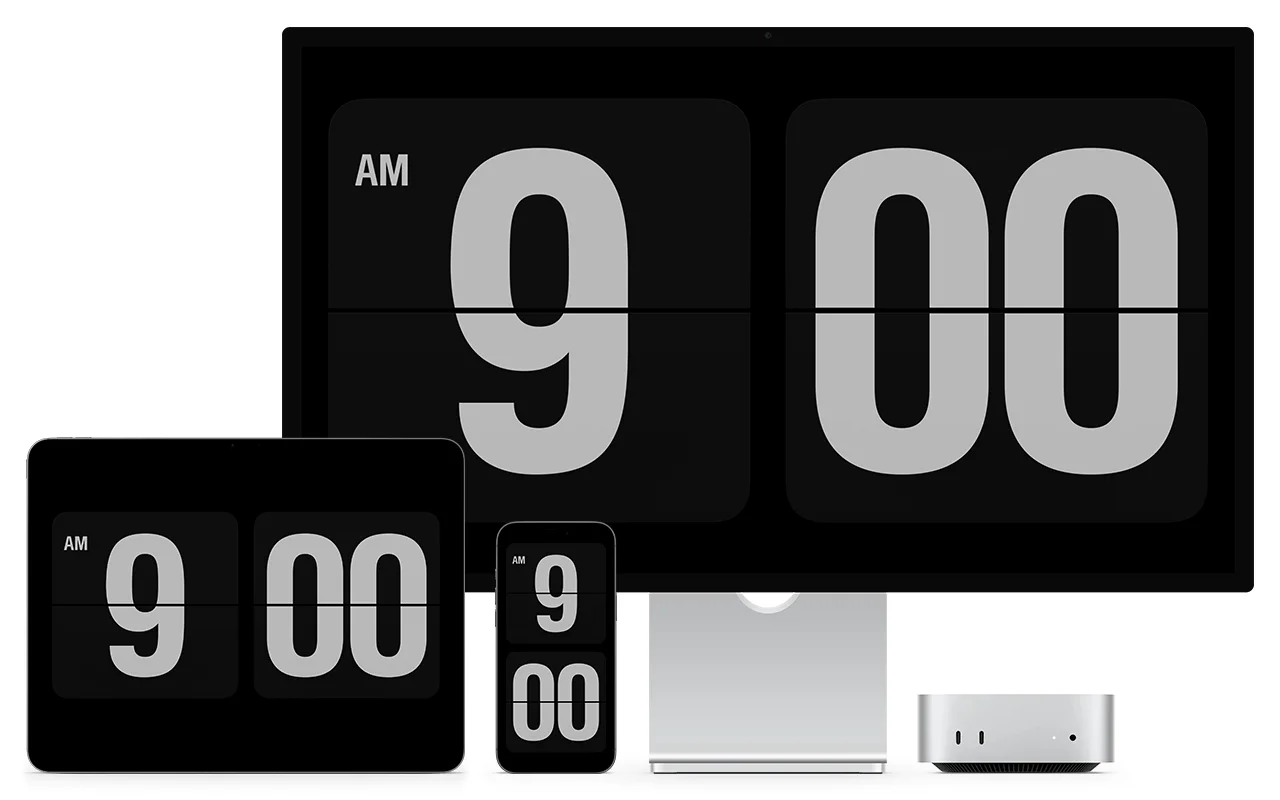
Fliqlo is clean, minimal, and instantly recognizable. It is easy to set up and looks great when your Mac is idle. For many people, that is enough. The problem starts when you want the same clock while your desktop is active.
Where Fliqlo stops
Because Fliqlo is screensaver-only, it disappears as soon as you touch the mouse or keyboard. You cannot keep the clock visible behind your icons during normal work, and you cannot assign different styles per monitor.
What to pick instead
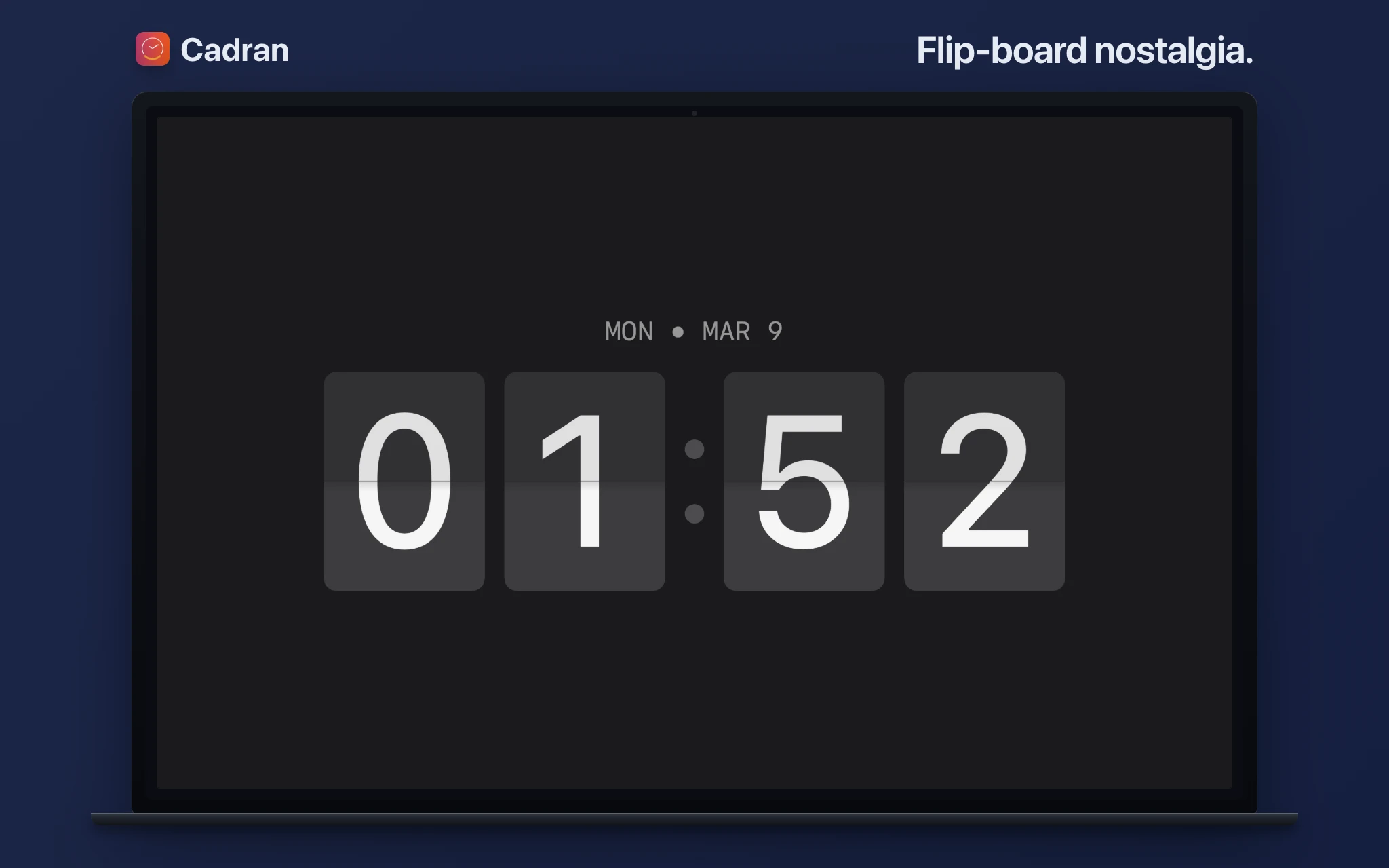
If you want a clock always visible while you work, use a wallpaper-layer clock app. Cadran renders the clock behind your icons, supports 22 faces, and also doubles as a screensaver. You keep the flip-clock mood, but with a workflow-first setup.
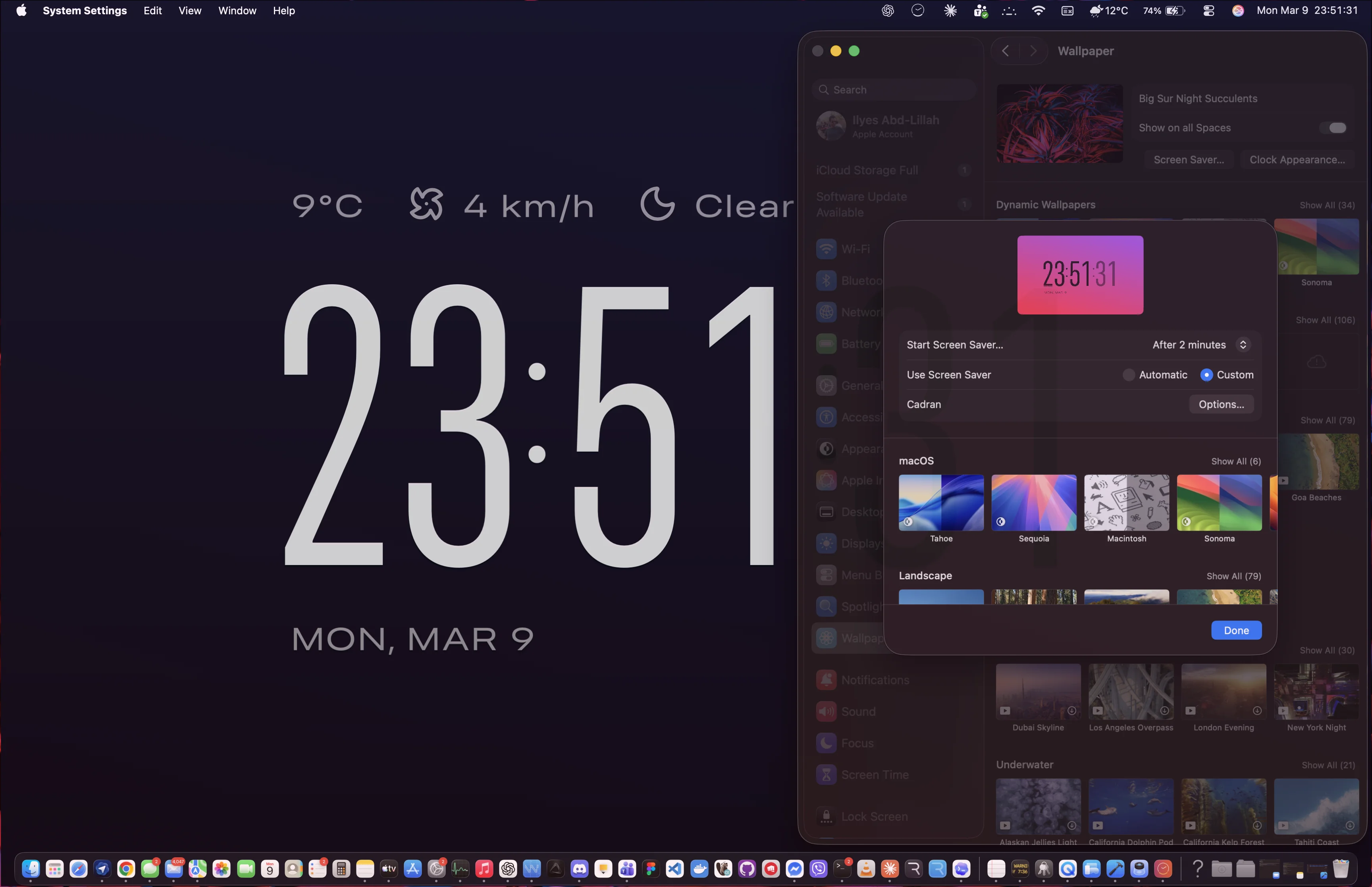
Fliqlo is still a great screensaver. But for an always-on desktop clock, a wallpaper-layer alternative is simply more useful. If your goal is practical daily visibility, switch to a tool designed for active desktop time.