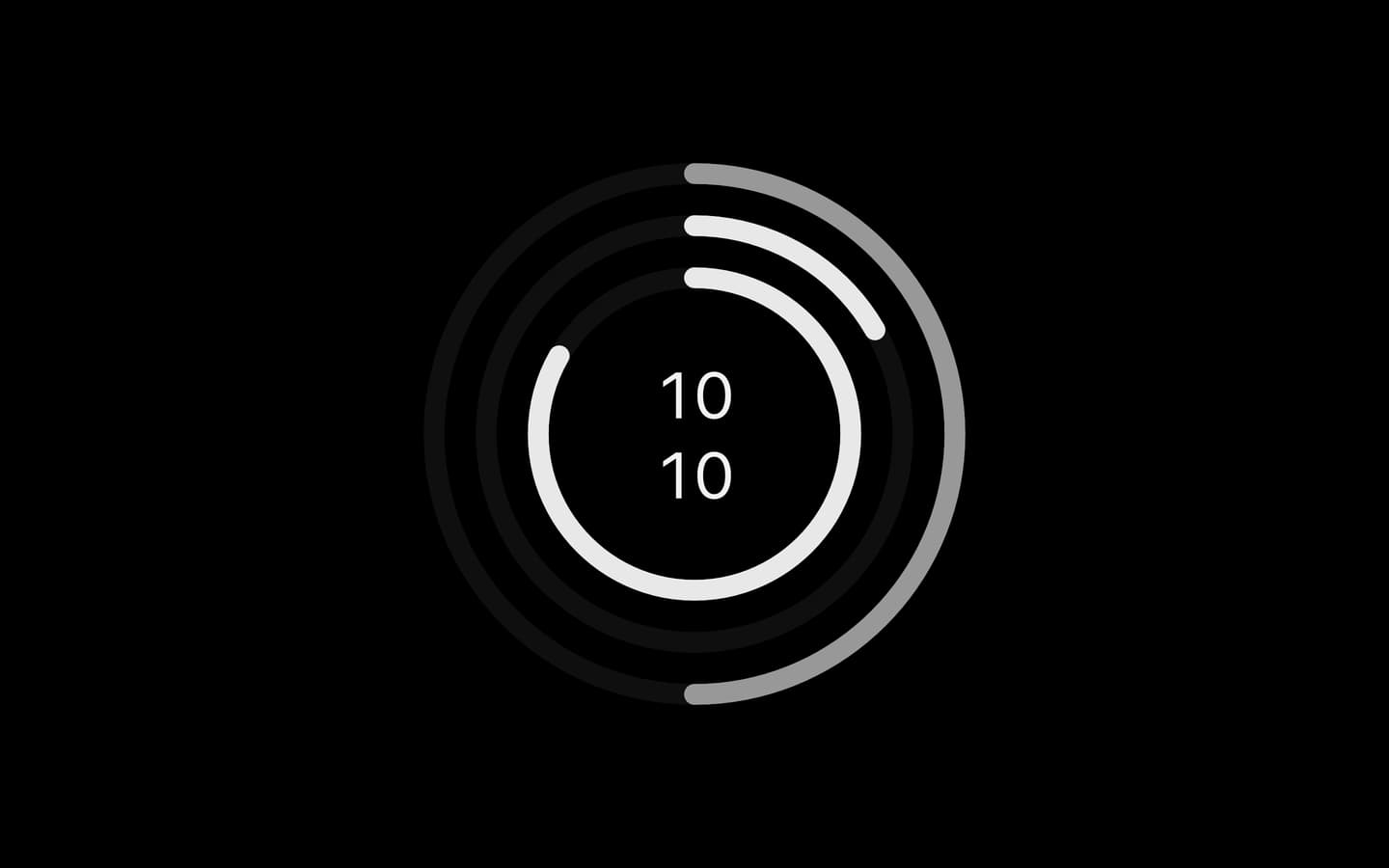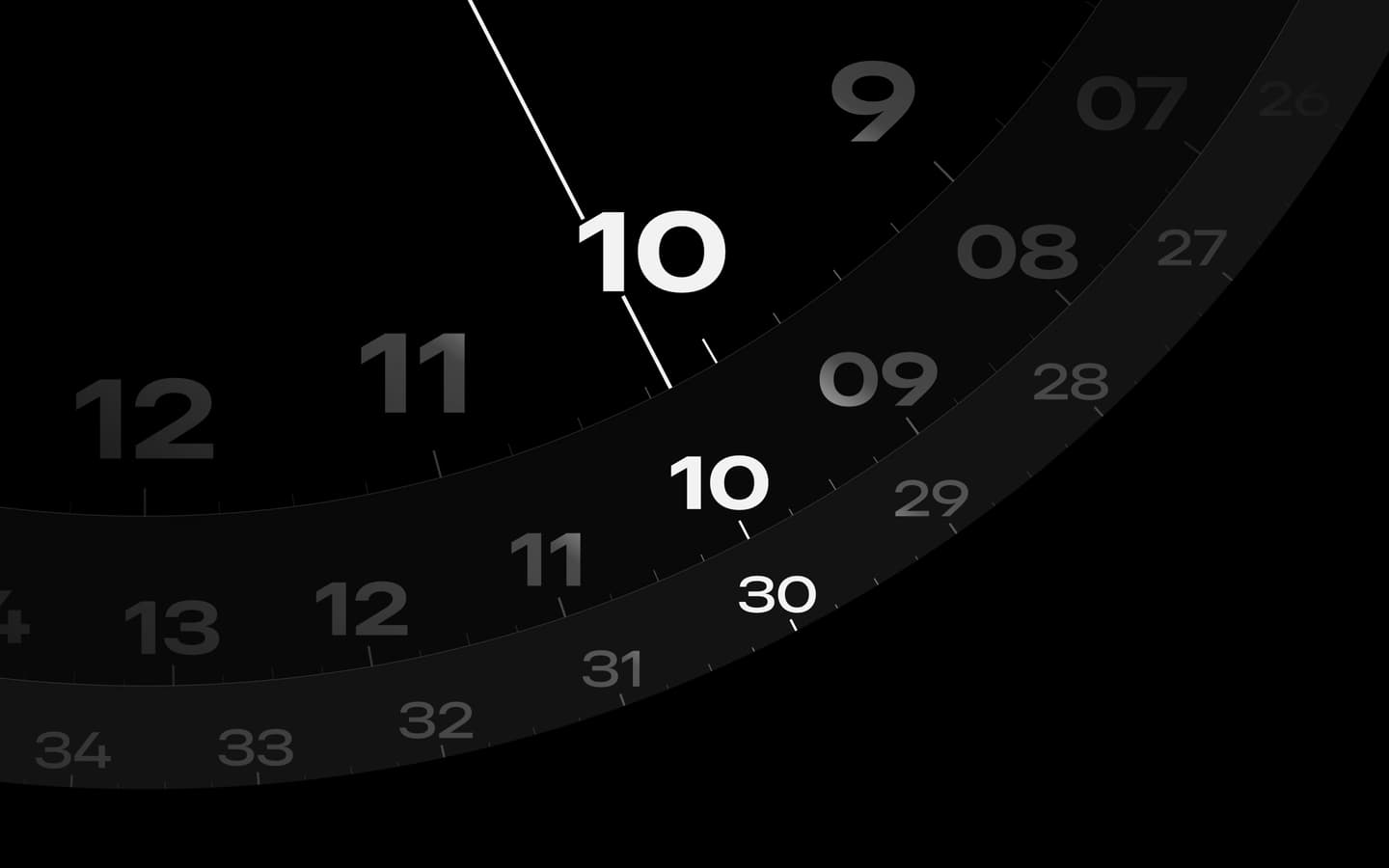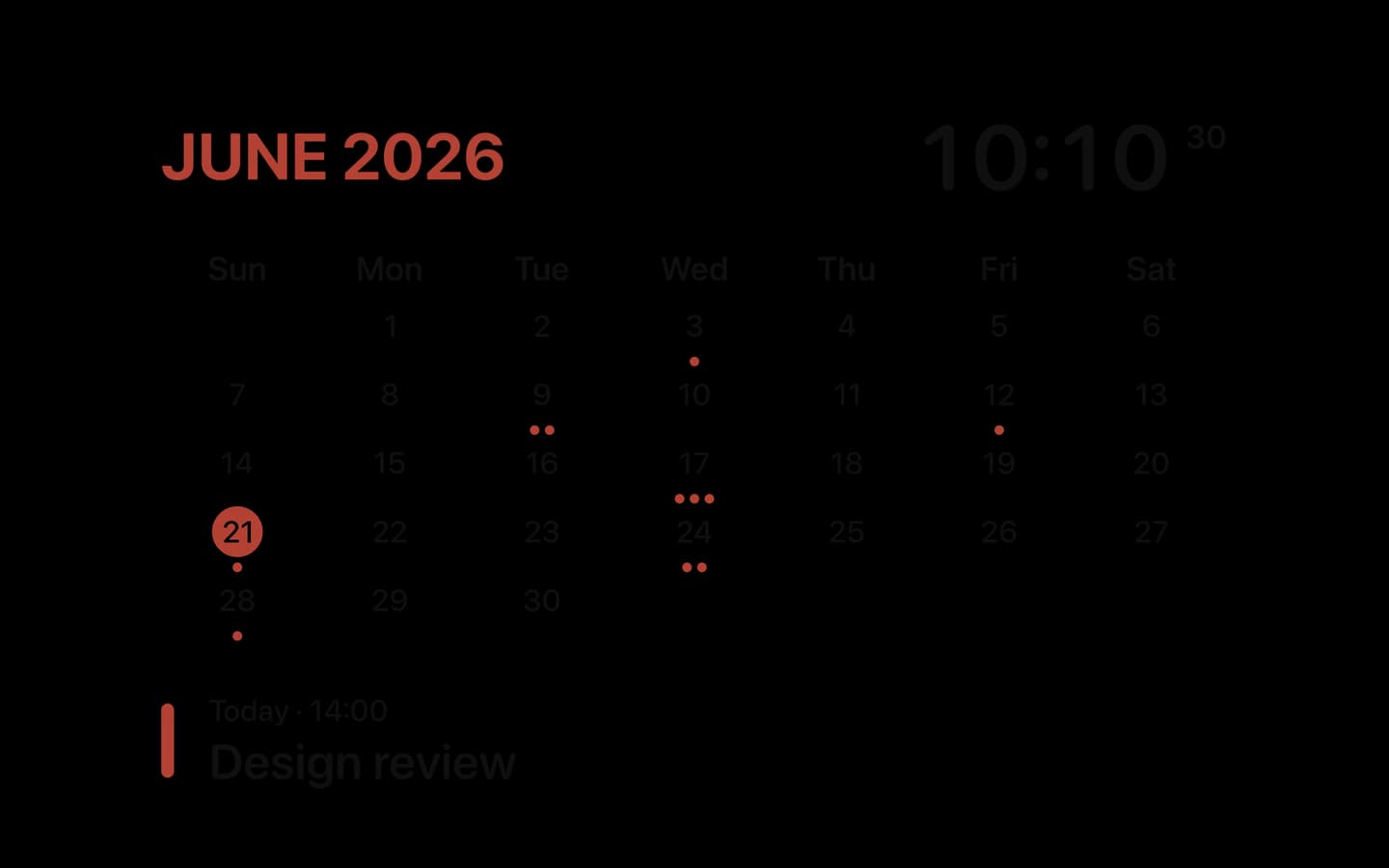
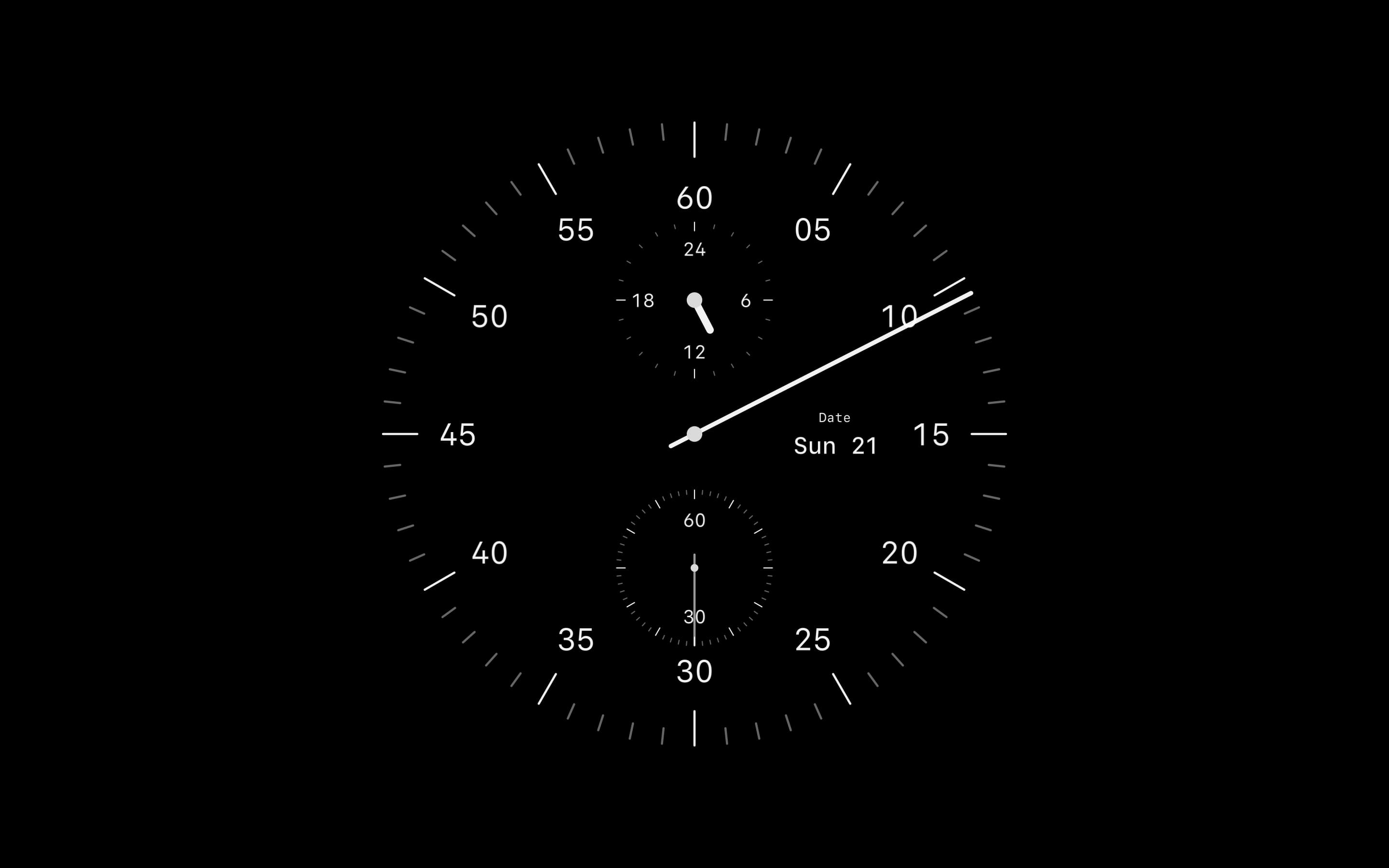

Cadran 2.0 brings five new faces and a redesigned app. Under the new look, it also fixes a freeze at launch, asks for access only when a feature needs it, and contacts the license server only when you use a license key. Here's what changed, and what you'll see.
No More Freeze at Launch
macOS protects your Desktop, Documents and Downloads folders: the first time an app opens a file kept there, macOS asks whether to allow it. Earlier versions of Cadran opened your wallpaper as soon as they launched. If it was kept in one of these folders, macOS asked right away, out of context, and Cadran stayed frozen until you answered.
Cadran 2.0 waits for you instead. The app no longer opens a wallpaper kept in these folders before macOS has asked you. With a Transparent background, the Color bubble in Customize on the Desktop shows a Wallpaper row under Automatic Color, with an Allow button. macOS asks when you click it, and Cadran stays responsive while it asks. Settings → Integrations has the same row.
If you decline, the clock stays on screen but doesn't adapt its colors to your wallpaper. You can change your answer anytime in System Settings → Privacy & Security → Files & Folders.
Access Only When Needed
Folio and Clima ask in context too. When you put one of them on your desktop from the gallery, a bubble on its card says what the face does with your calendar or your location, next to an Allow button. macOS asks only when you click Allow, and a bubble you close doesn't come back on its own.
Settings → Integrations lists Location, Calendar and Wallpaper, each with its status and, when there's something to do, a button. Your calendar events stay on your Mac: Cadran only reads them, and they never appear in gallery previews or the screen saver.
No License Key, No License Server
Earlier versions asked the license server for the Pro price, even if you never bought Pro. Cadran 2.0 no longer does. The Pro page shows the reference price, and your local price, currency and taxes appear at checkout, which opens in your browser.
Without a license key, Cadran never contacts the license server. It does so only when you activate a key and, once a key is saved, to check it or to deactivate a Mac.
Two faces from earlier versions, Stencil and Carbon, are retired in Cadran 2.0. If one of them was on your desktop, on a display or in the screen saver, Cadran now shows Departure in its place. You can choose any of the 25 faces in the gallery, and Pro unlocks all 25.
Cadran 2.0 runs on macOS 14 or later, on Apple Silicon and Intel Macs. The changelog lists everything else that's new, from the five new faces to the Liquid Glass clock on macOS 27.