
Screensavers feel like a throwback, but clock screensavers have quietly stayed popular on Mac. There's something satisfying about your idle screen showing the time instead of going dark. A good one should look sharp on a Retina display, start reliably, and not eat battery. Here are three that are actually worth installing.
Fliqlo · The One Everyone Knows
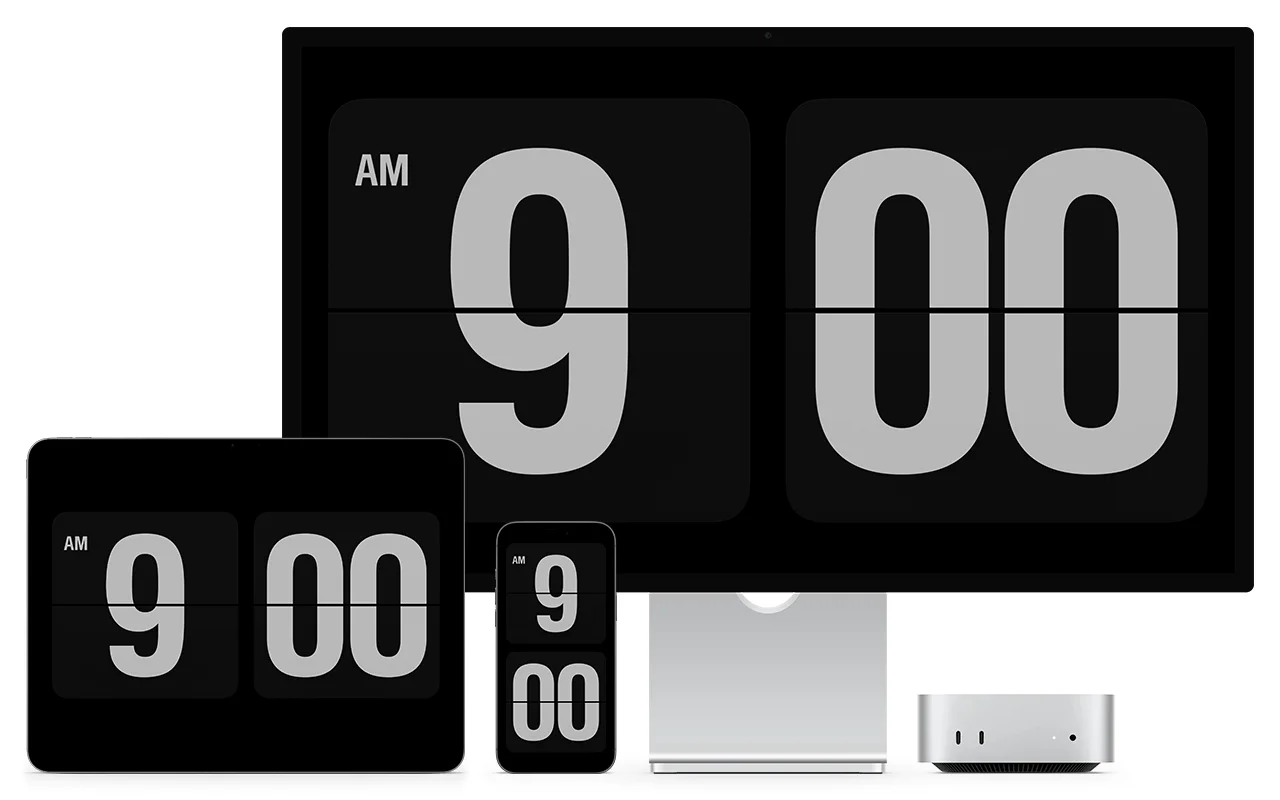
Fliqlo is probably the most recognizable screensaver on Mac, period. It mimics a split-flap clock, the kind you'd see in old train stations, with oversized white digits flipping on a black background. It's been around for over a decade, and it still looks great. The appeal is the simplicity: no configuration, no account, no cost. You install it, it works. The flip animation is genuinely well done, with a subtle shadow and smooth motion that makes it feel physical. On a large monitor, the digits fill the screen and it looks like a proper clock you'd buy at a design store. The trade-off is that Fliqlo does exactly one thing. There's one design, no color options, and it only runs as a screensaver. Once you move your mouse, it's gone. For a lot of people, that's perfectly fine.
Padbury Clock · Pure Minimalism
Padbury Clock was built by a designer who wanted the simplest possible clock screensaver, and it shows. Large, light-weight digits centered on a dark background. No decoration, no animation, no settings panel. It's the typographic counterpart to Fliqlo. Where Fliqlo leans into the retro split-flap aesthetic, Padbury goes for clean, modern type. It's a great pick if Fliqlo feels too busy for you (yes, some people think a flip clock is too much). The font choice is nice, legibility is excellent, and it uses almost no resources. Like Fliqlo, it's screensaver-only, so there's no way to keep it visible while you work.
Cadran · Screensaver That Stays On Your Desktop
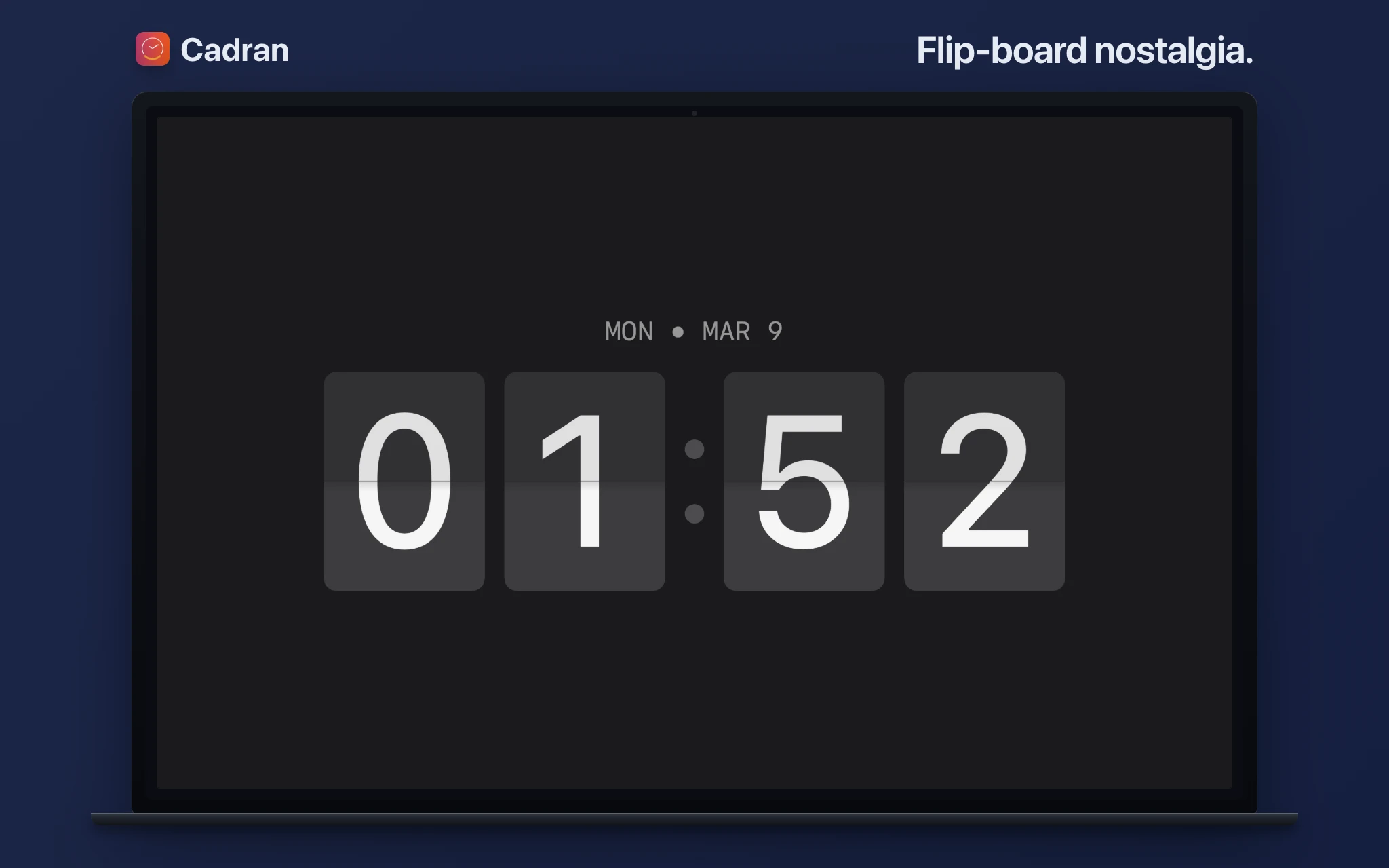
The limitation shared by Fliqlo and Padbury is that the clock vanishes the moment you touch your mouse. Cadran works differently: whatever clock face you pick as your screensaver also renders on your wallpaper layer while you work. So the transition between active use and idle is seamless: same clock, same style, always there. All 22 designs are available as screensavers, including on the free tier. If you've got multiple monitors, each one can run a different face. It's the only option here where the screensaver isn't a separate experience from your desktop. It's the same thing.
Quick Comparison
Fliqlo is the safe choice: iconic design, zero setup, free. If you love the split-flap look and only care about idle time, there's no reason to switch. Padbury is for the minimalists who find even Fliqlo too ornate. Cadran is the pick if you want your clock visible all the time, not just when idle, or if you want to choose from different styles. All three are free to try. Fliqlo and Padbury are free outright. Cadran has 6 free faces with the full 22 available for a one-time €9.99.
Clock screensavers are one of those small details that make your Mac feel more intentional. Fliqlo has earned its reputation. It's been the default recommendation for years and it still holds up. Padbury is the understated alternative. And if you want something that works both idle and active, Cadran bridges that gap. All three are worth a look.