




Skip to content

A Clock on Your Mac Wallpaper.

25 clock faces, drawn behind your icons on every Space and display.

Download free7,663 downloads · v2.0.3
  • 4.5 out of 5 from 12 reviews12 reviews
  • FreemacOS 14 or laterNo account

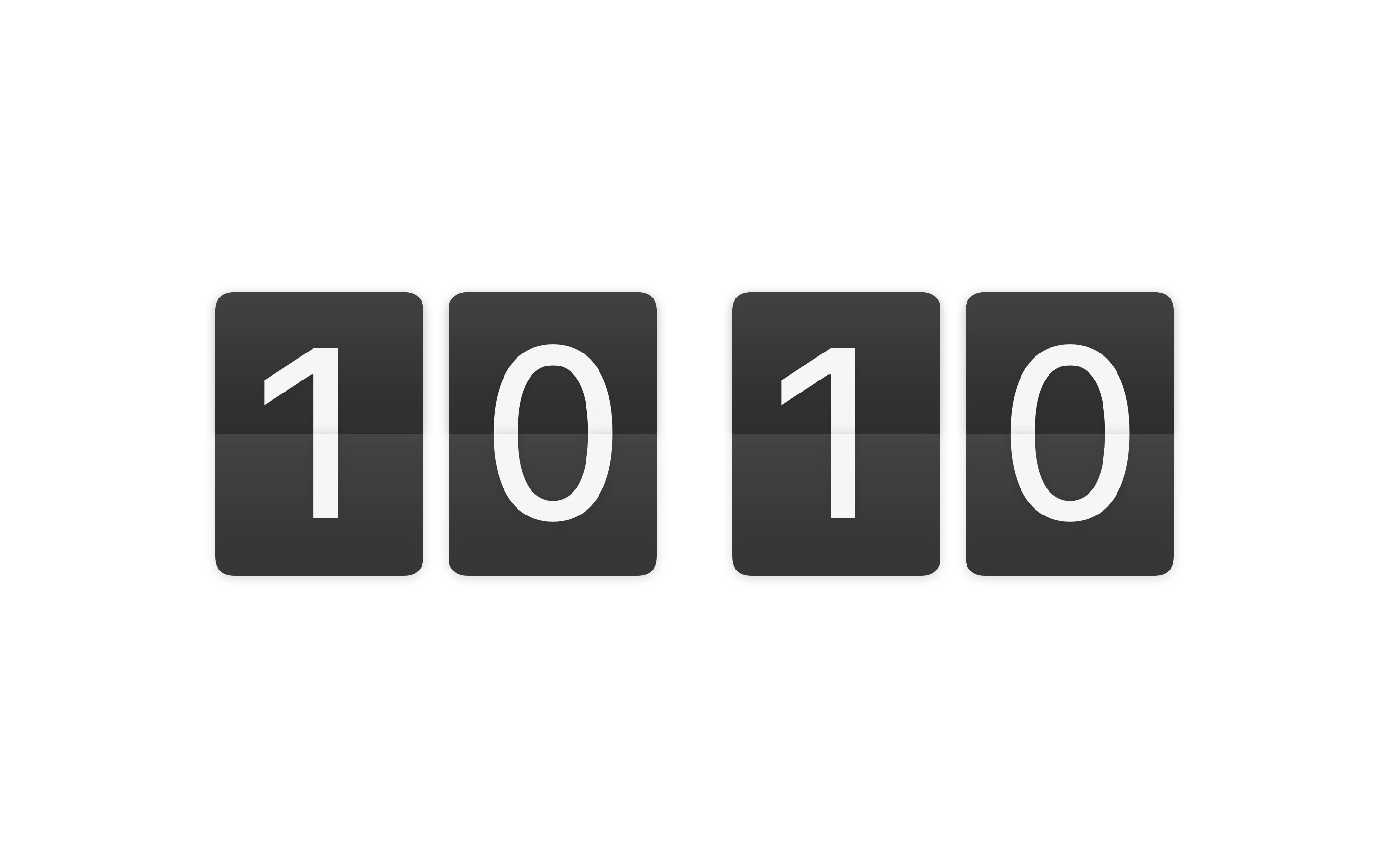
FaceDeparture

FlapsFrosted Glass

WallpaperIndigo Waves

ModeDesktop

Behind Your Icons. Below Your Windows.

Cadran draws on the wallpaper layer. Icons, windows and the menu bar stay exactly where they are.

  1. Menu bar and DockSettings is a page of the Cadran window, a click away in the menu bar. A Dock icon is optional.
  2. WindowsNever covered. Never moved.
  3. Icons and widgetsStill clickable, right through the clock.
  4. CadranOne level under your icons.
  5. WallpaperYours, or one of 38 Cadran backgrounds.

Change Spaces. The Clock Stays.

One clock per display, on every Space.

Behind Your Icons. Below Your Windows.

Cadran draws on the wallpaper layer. Icons, windows and the menu bar stay exactly where they are.

  1. Wallpaper · Yours, or one of 38 Cadran backgrounds.
  2. Cadran · One level under your icons.
  3. Icons and widgets · Still clickable, right through the clock.
  4. Windows · Never covered. Never moved.
  5. Menu bar and Dock · Settings is a page of the Cadran window, a click away in the menu bar. A Dock icon is optional.

25 Faces. Pick Yours.

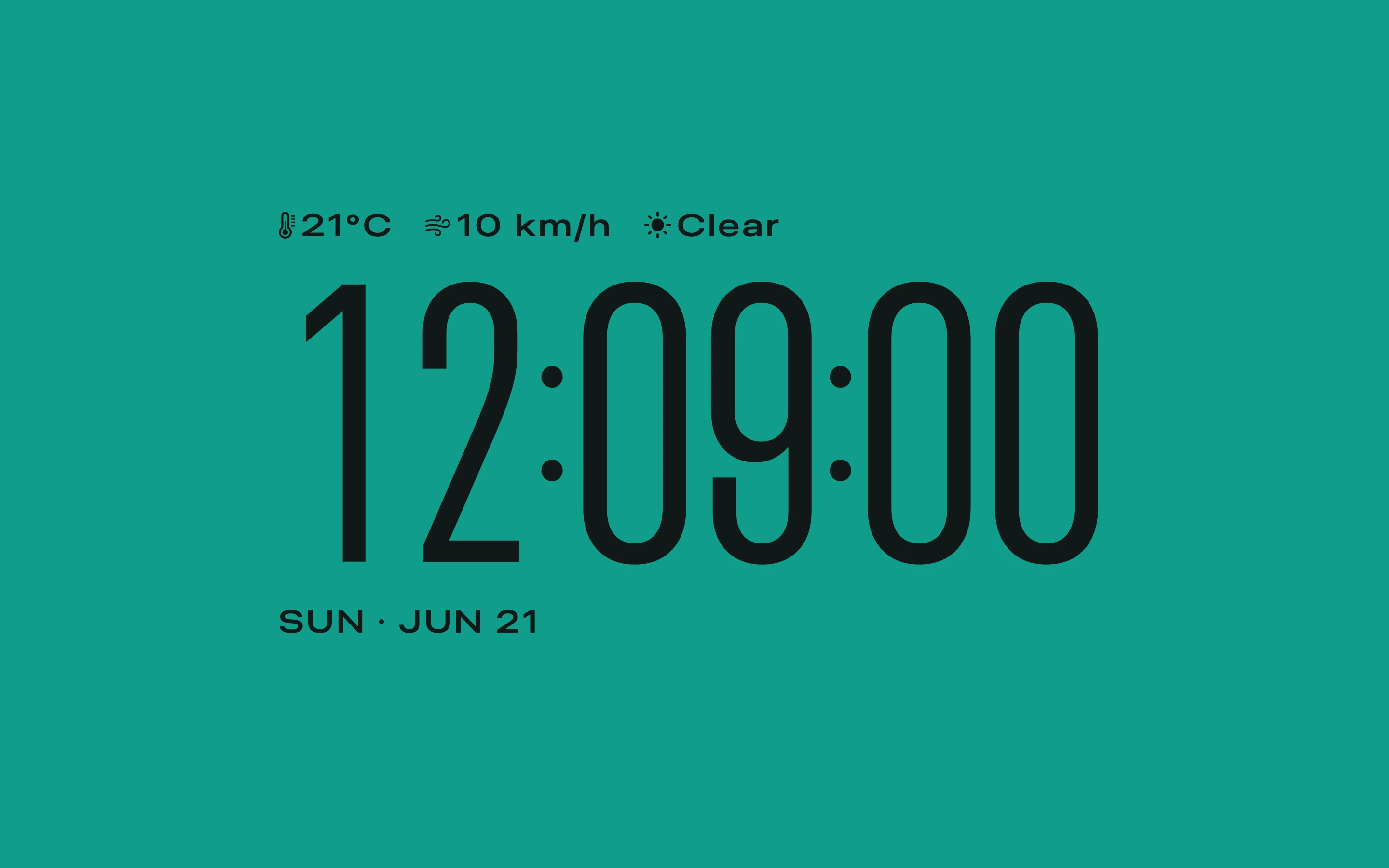
Flip clocks, Roman numerals, a whole month at a glance. 6 free, 19 more with Pro.

Méridien

ProNew in 2.0

Roman numerals and an openwork hour hand

See Méridien
Show faces

Every Display, Its Own Face.

Free puts the same face on all your displays. Pro sets the face, colors and position of each one.

Compare plans

The same face on every display

External display Departure on Ocean

Built-in display Departure on Ocean

More Than the Time.

A message of your own, the weather, your next event, a screen saver. All set in the Cadran window and on the desktop.

  • Your Message, Anywhere.

    Put a line of text anywhere on the desktop, or under the clock on your screen saver.

    New in 2.0
  • A Screen Saver, Too.

    24 faces, with your message under the clock. Fluid Gradient sets a gradient in motion, in Free too.

  • Weather and Your Day.

    Temperature and conditions next to the time. The Folio face shows your next event on the desktop and hides it on the screen saver.

    New in 2.0
  • Lives in the Menu Bar.

    Switch faces, customize or open Settings in a click. The Dock icon appears only while a Cadran window is open.

  • Fonts and Materials.

    Choose fonts for supported faces, and Classic, Frosted Glass or Liquid Glass flaps for Departure.

    New in 2.0
  • Gradients, Your Way.

    With Cadran Pro, add, move and remove color stops right on the gradient.

    New in 2.0
  • 11 Languages.

    Cadran follows your Mac's language, down to dates and word clocks. Now in Chinese and Arabic.

    New in 2.0
  • No Account. No Telemetry.

    Cadran goes online for three reasons only.

    Your Data

    • AccountNone
    • TelemetryNone

    Connections

    • WeatherOnly if you turn it on
    • Pro licenseVerified by Polar
    • UpdatesFrom GitHub

What People Say.

Left on this site by people who use Cadran. Published as written.

4.5 out of 5 from 12 reviews
  1. 5 stars: 9 reviews
  2. 4 stars: 2 reviews
  3. 3 stars: 0 reviews
  4. 2 stars: 0 reviews
  5. 1 star: 1 review

7,663downloads from this site

  • I like the new design great work!
    Slozy
  • Awesome app. Very lightweight and with a lot of options, even on the free version. Used the free version for a month before buying the app. Worth it. Much more worth it if it had some updates in the future (custom fonts?)
    Drei
  • Ich liebe die App, die meinem MacBook frischen Wind gibt
    Mehmet
  • 我希望可以增加自定义的文字,我喜欢把我的座右铭放在桌面上
    卫凌
  • Thx u for your support on Mac Sonoma <3
    Selim
  • amazing app; you got amazing colors, various options, for backgrounds and clock designs for main and screen saver, very customizable app.. very good complications to add, also have battery widgets.. with this app you can exclude few of them paid.. this one is neat, quality - 10/10 has it all - P.S. customer support is very prompt and helpful.. highly recommend
    Vlatko
  • I really like the fact that I can use the app like I custom my watch or my daily devices, Also the one time purchase is a real comfort in a world of subscription
    Julian Estaro
  • Clean app, easy to use. Developer is very responsive. Highly recommended.
    Chris

Free Forever. Pro, Once.

No subscription. No account.

Cadran

Free

Download free7,663 downloads · v2.0.3
  • Clock faces6 facesDeparture, Titan, Pura, Clima, Orbit, and Arcade
  • Clock colorAutomaticLight or dark, to suit the background
  • BackgroundsA selection21 presets
  • Information on the face3 optionsWeather and date
  • Position and sizeFixed
  • Multiple displaysSame face everywhere
  • No time limit
  • No account

Cadran Pro

$9.99once, before tax

Your local price, currency and applicable taxes are shown at checkout.

  • Clock faces25 faces19 more, including the 5 new in 2.0
  • Clock colorPalettes and custom colors
  • BackgroundsEvery background, plus custom colors and gradients38 presets
  • Information on the faceEvery optionBattery, music, weather, astronomy and more
  • Position and sizeMove and resizeOn compatible faces
  • Multiple displaysOne face per display
  • Pay once
  • No account
  • 14-day refund
  • Up to 3 Macs

Already using Cadran? Pro unlocks right inside the app. Refund policy

Questions, Answered.

Is Cadran really free?

Yes. 6 faces, the screen saver and a selection of backgrounds are free, with no time limit. Pro unlocks all 25 faces, every background, every complication and one face per display.

Does Cadran slow down my Mac?

No. Cadran draws on the wallpaper layer with lightweight compositing, below your apps and out of their way.

Can I keep my own wallpaper?

Yes. With the Transparent background, the clock sits over your current wallpaper and adjusts its contrast automatically. Automatic Color takes your wallpaper’s dominant color, with a shadow that keeps it readable. On macOS 27, with Cadran Pro, nine faces also offer Liquid Glass in their Material row, to draw the clock in glass, like the clock on the Lock Screen. If your wallpaper is kept in Desktop, Documents or Downloads, Cadran asks before reading it.

What do I need to run Cadran?

A Mac with macOS 14 Sonoma or later. There is no account to create.

How do I install it?

Download Cadran.dmg, drag Cadran into Applications and open it. It lives in your menu bar, and its Dock icon appears only while a Cadran window is open. With Homebrew, run brew install --cask cadran.

How many Macs can I use Pro on?

Up to 3 at the same time. If a key says it is already in use, free a slot from the app or from your account.

More questions? Visit Support.

Try It on Your Mac.

6 faces are free to keep. Pro unlocks the rest, once.

Download free7,663 downloads · v2.0.3

macOS 14 or laterNo account14-day refund on Pro